IACER Srl 17 MNPG69-09
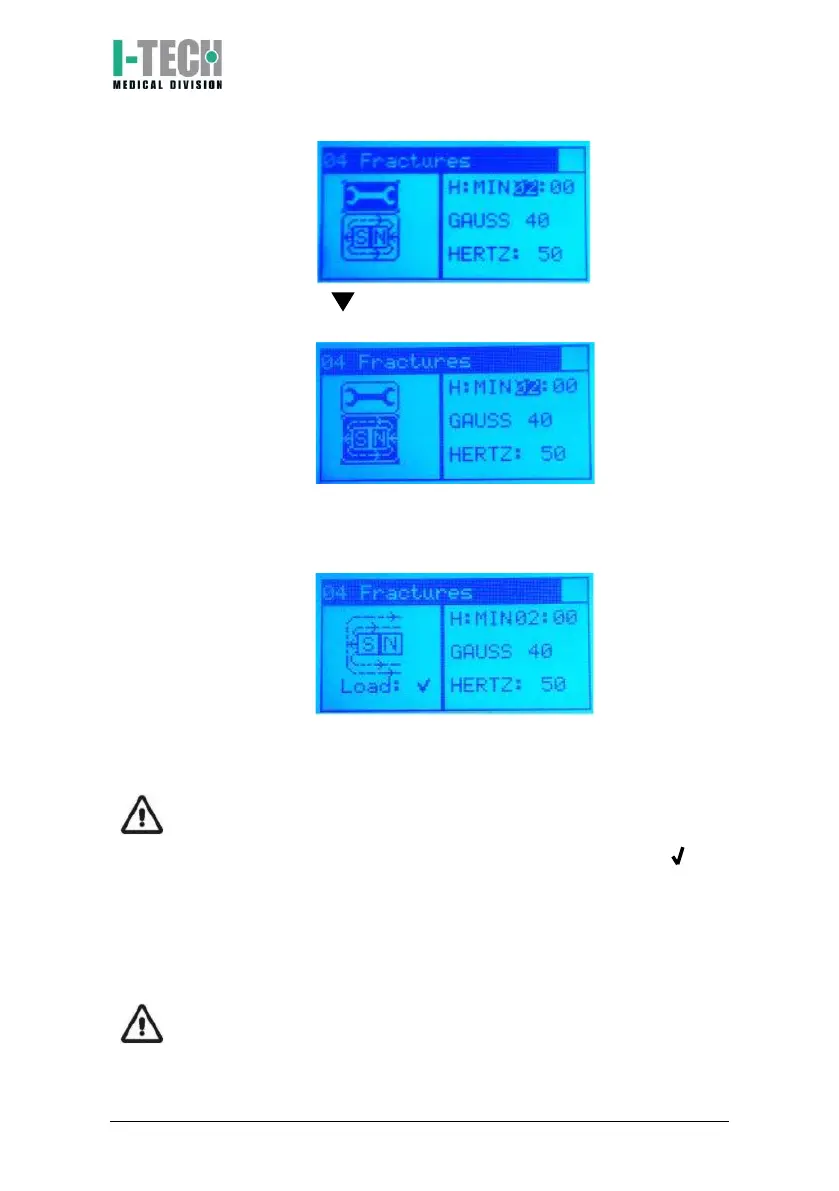
3. Press the button by highlighting the magnet icon in the lower
left then press OK.
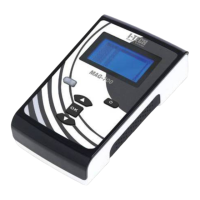
4. The device will begin the treatment, displaying the magnet icon
with the magnetic field flow on the display. The green light below
the display alerts you to the current therapy.
5. At the end of the therapy the device will automatically return to
the Program menu screen.
ATTENTION: The device recognizes the correct connection of the
applicators. During the treatment, below the magnet icon, the
connection status is displayed. The presence of the symbol next
to the channel number (Ch1) confirms the correct connection and
recognition of the applicator. The symbol X next to the number of
the channel (Ch1) warns of the incorrect connection of the
applicator, its absence or its incorrect functioning (see Functioning
control paragraph).
ATTENTION: it’s possible to temporary stop the therapy at any time
by pressing OK key at least for 2 seconds. Press again OK key to


 To Next Page