IACER Srl 19 MNPG69-09
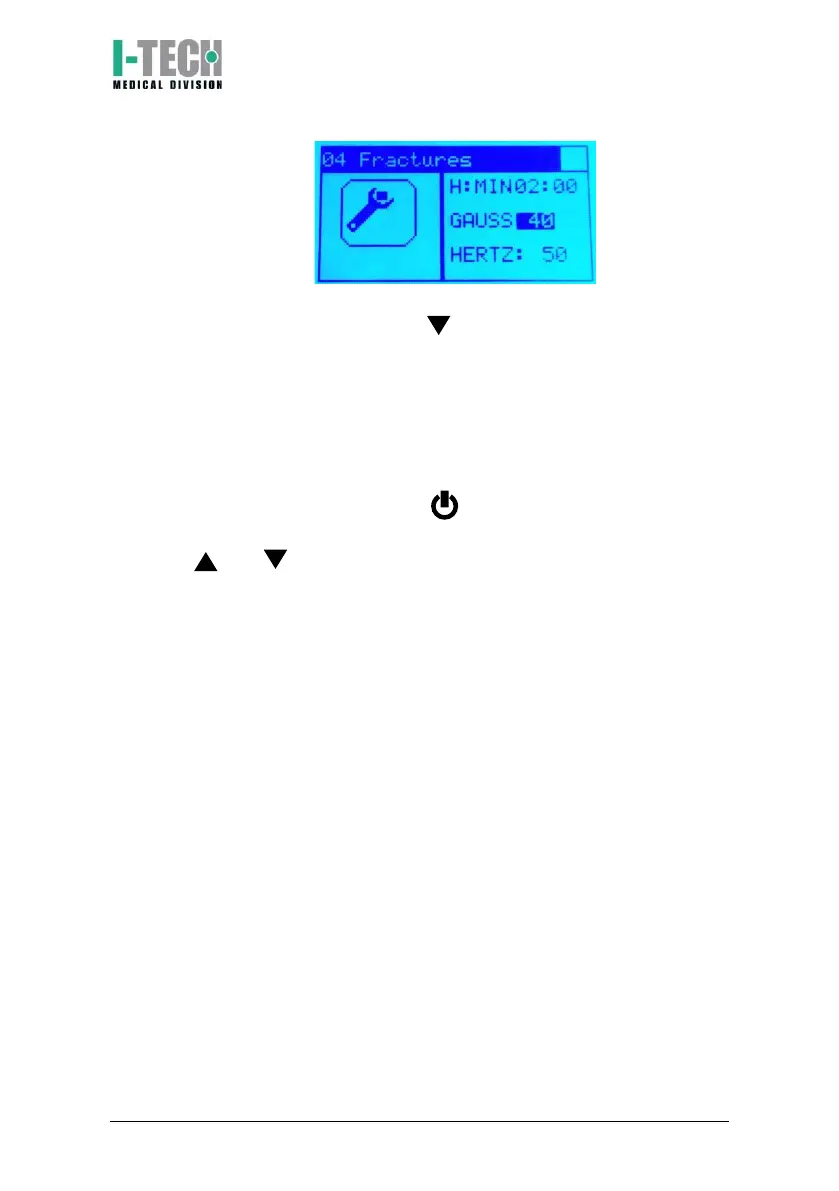
4. To start the therapy and continue as in the previous paragraph
from step 2, press the button and then OK to select the magnet
icon and confirm the start of the treatment. Green light indicates
that therapy is running. At the end of therapy, the screen will
display automatically the menu programs.
Language selection
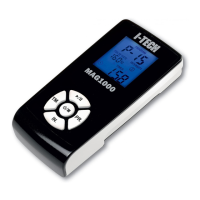
Move the ON/OFF switch, placed on device upper side, to the ON position.
Immediately after keep pressed the button until the language list
appears on the display. Release the button: select the chosen language by
using the and buttons.
Press OK key to confirm your selections.


 To Next Page