5
CONNECTING
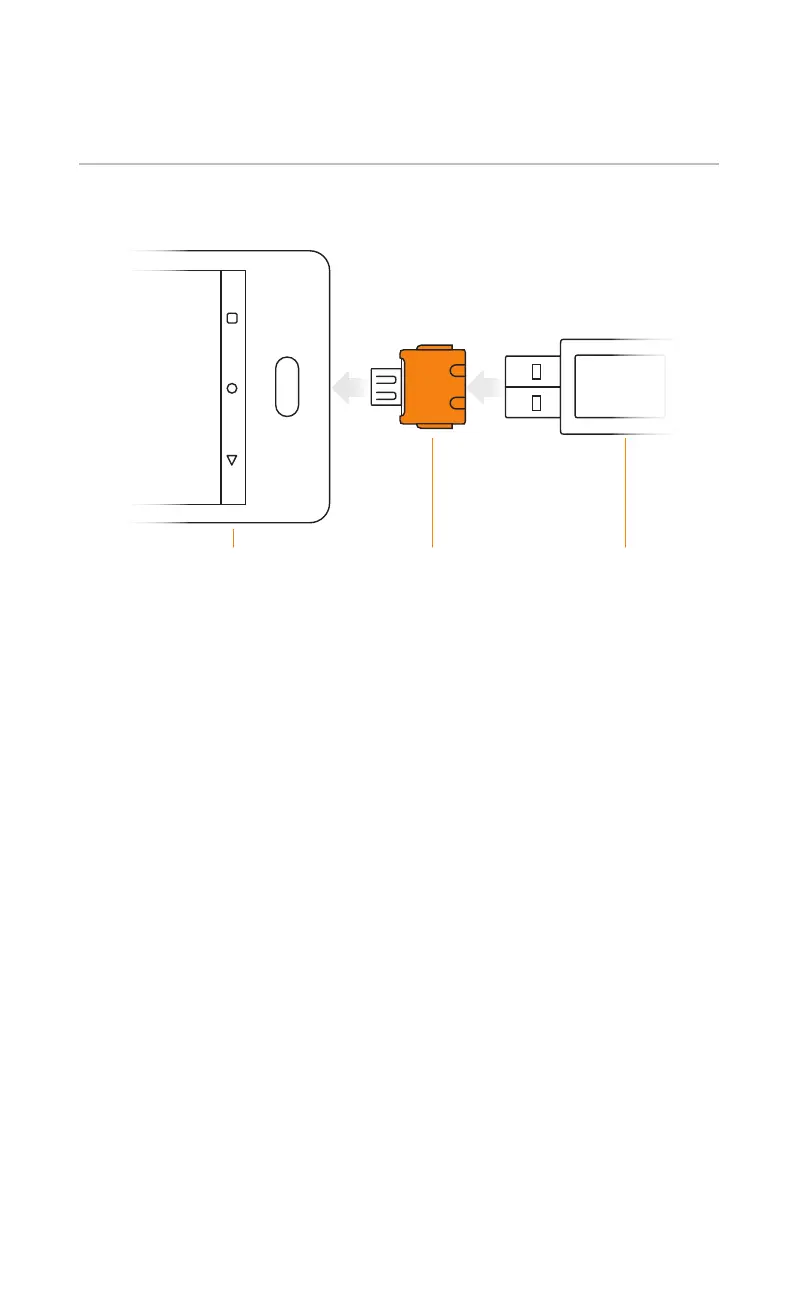
CONNECT USB TO DEVICE
Connecting Kojak is easy!
1. Download and install the latest IBScanUltimate SDK
2. Connect Kojak to the system via USB (USB 2.0 or later)
Note: An adapter may be required and is not provided
3. Integrated Biometrics provides a variety of test applications
for demonstration. IBScanUltimate SDK includes demonstration
applications for supported platforms and source code for ease
of deployment.
OTG Adapter
(not included)
USB A
Kojak Cable
Mobile
Android Device


 To Next Page