EasyManua.ls Logo

IBM 3270 - Page 158

IBM 3270
330 pages
Print Icon
To Next Page IconTo Next Page
To Previous Page IconTo Previous Page
Loading...
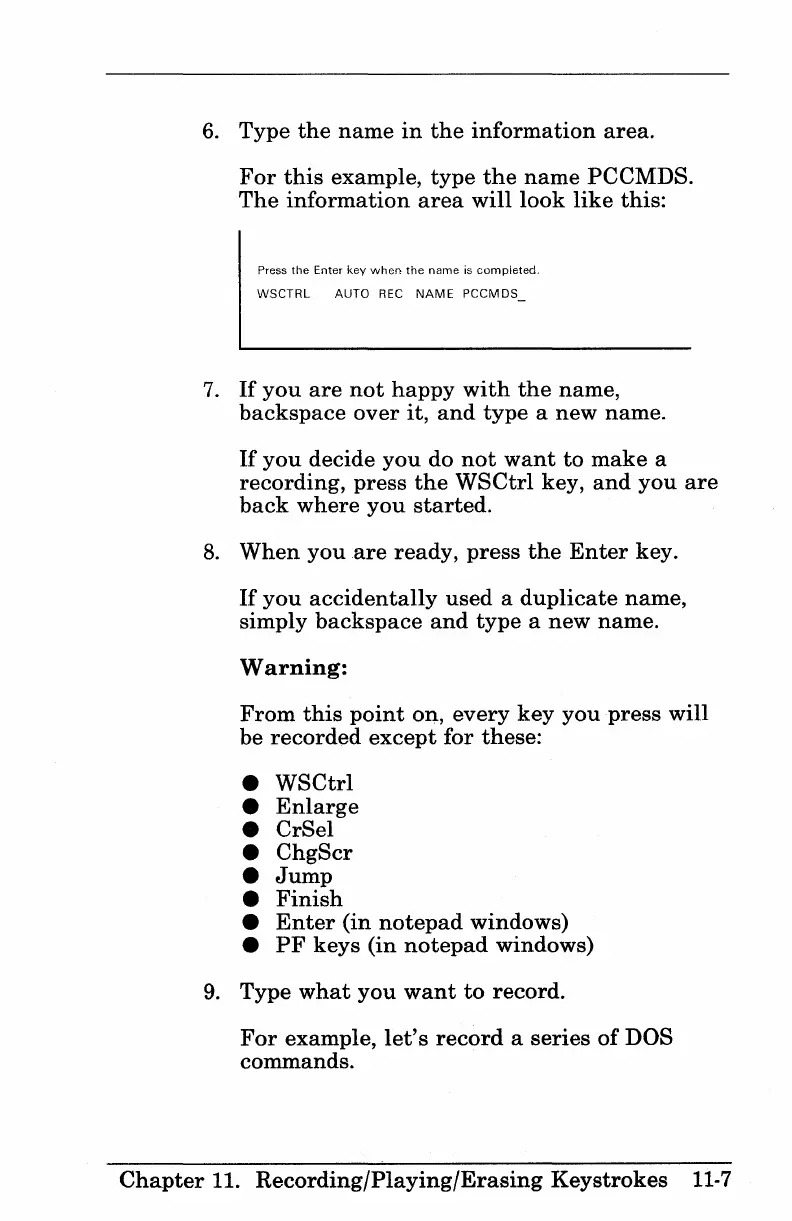
6.
Type
the
name
in
the
information
area.
For
this
example,
type
the
name
PCCMDS.
The
information
area
will
look
like
this:
Press
the
Enter
key
when
the
name
is
completed.
WSCTRL AUTO
REC
NAME
PCCMDS_
7.
If
you
are
not
happy
with
the
name,
backspace
over
it,
and
type
a
new
name.
If
you
decide
you
do
not
want
to
make
a
recording,
press
the
WSCtrl
key,
and
you
are
back
where
you
started.
8.
When
you
are
ready,
press
the
Enter
key.
If
you
accidentally
used
a
duplicate
name,
simply
backspace
and
type
a
new
name.
Warning:
From
this
point
on,
every
key
you
press
will
be
recorded
except
for
these:
WSCtrl
Enlarge
CrSel
ChgScr
Jump
Finish
Enter
(in
notepad
windows)
PF
keys
(in
notepad
windows)
9.
Type
what
you
want
to
record.
For
example,
let's
record
a
series
of
DOS
commands.
Chapter
11.
Recording/Playing/Erasing
Keystrokes
11-7

Table of Contents

Other manuals for IBM 3270

Related product manuals