8
Switching on your Monitor
1. Switch on the power source and your computer.
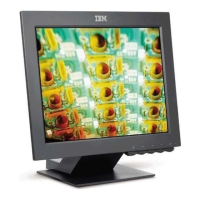
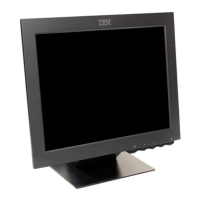
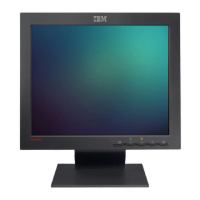
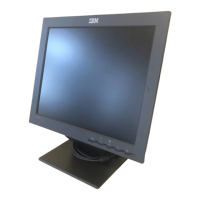
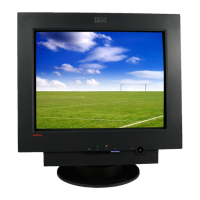
2. Switch on your monitor by pushing and releasing the power switch
marked .
(To switch off your monitor, push and release the power switch again.)
3. To update or install device drivers, follow the instructions in the
Device Driver Installation section on page 9.
4. To optimize the displayed image, run Auto Setup by following the
instructions in the Auto Setup section on page 1
2.


 To Next Page