6
2.4 Installation and initial operation of the IBR_SimKey PC software
1. Installation of IBR_SimKey
a) Please insert the CD ( that is included in the delivery of the ISM-usb PC - Radio station ) into
your CD – drive and open the folder IBR_Simkey or download the software from
http://www.ibr.com/download/IBR_SIMKEY.zip and extract the ZIP file.
b) Start the file IBR_SimKey_Inst.exe.
c) Follow the instructions displayed in the windows of the programme installer.
2. Starting IBR_SimKey
Initial operation of the software can take place directly after completion of the installation procedure.
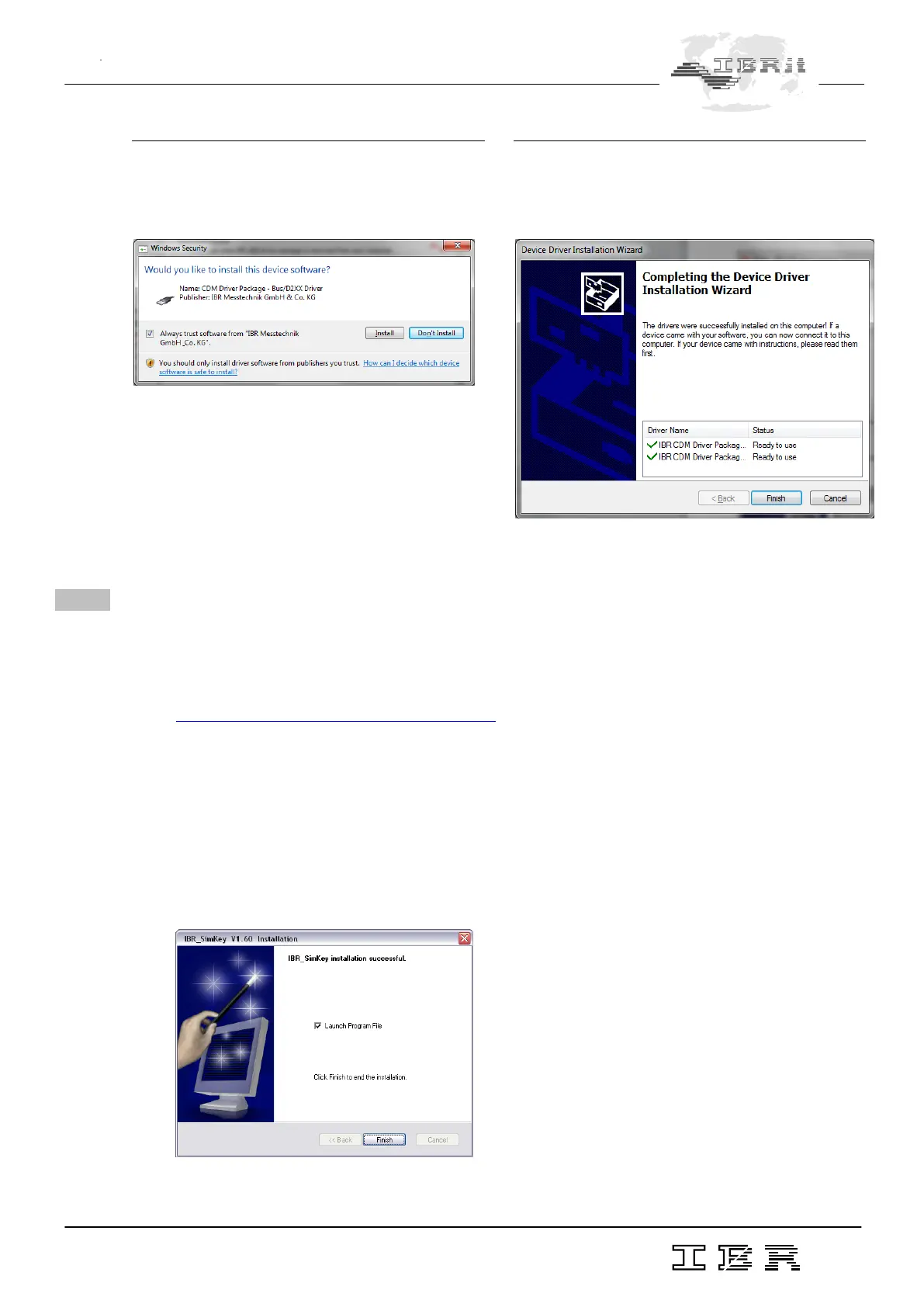
In order to do so, leave the box Launch Program File checked and click the Finish - button.
3.
The Device Driver Installation Wizard asks you to
confirm the signature of the driver. You need to
allow the installation of the driver :
4.
When the driver installation is completed, the
Device Driver Installation Wizard shows you the
result of the driver installation :



 To Next Page