36
PROGRAMMING THE EQUIPMENT
Example: Suppose the clinical practice or literature suggest
for a particular pathology, the following parameters:
Frequency: 1 MHz
Mode: Pulsed
Pulse Freq.: 100 Hz
Duty Cycle: 50%
Time: 10 minutes
Ultrasound energy: 1 Watts/cm
2
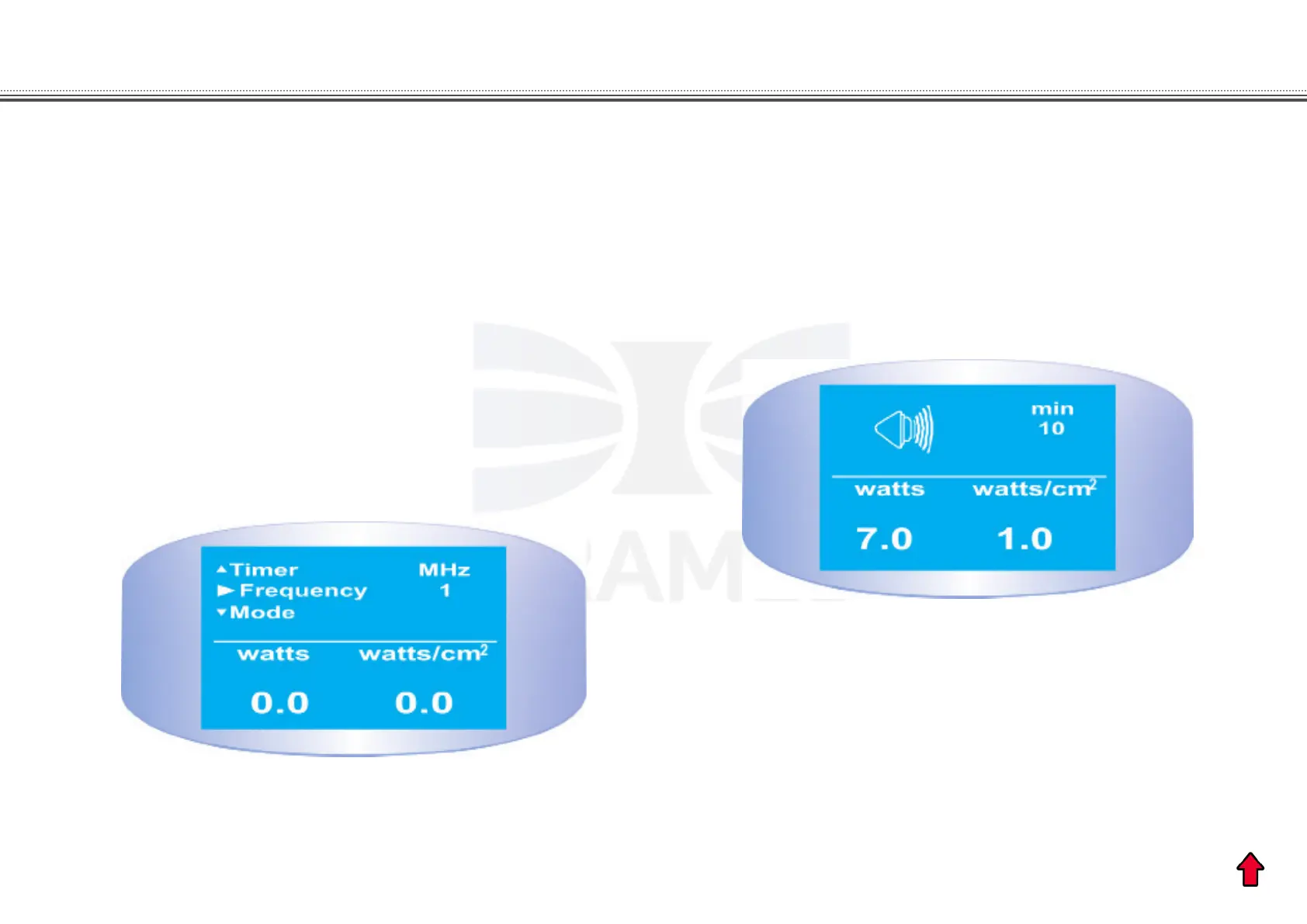
1. Turn on the equipment to initiate the standard program
described above. Note the cursor blinking on the Frequency
eld.
2. Using the SELECT and SET switches, go through the
parameters and select the values shown in the example.
3. Press the UP or DOWN buttons to select the ultrasound
intensity necessary for treatment.
4. Now press the START key to initiate the treatment. After
press the START key, the transducer gure will appear on the
display. It indicates that the ultrasound energy is activated.
Now, the patient is receiving the ultrasound energy and the
display will show:
5. At the end of the programmed time, the emission of
ultrasound is interrupted and a sound beep will be emitted
at the end of the treatment.
6. Press the STOP key to stop the sound beep. The equipment
can now be turned o, the same program can be performed
or a new program may be programmed.


 To Next Page