32
OPERATION INSTRUCTIONS
PREPARING THE EQUIPMENT
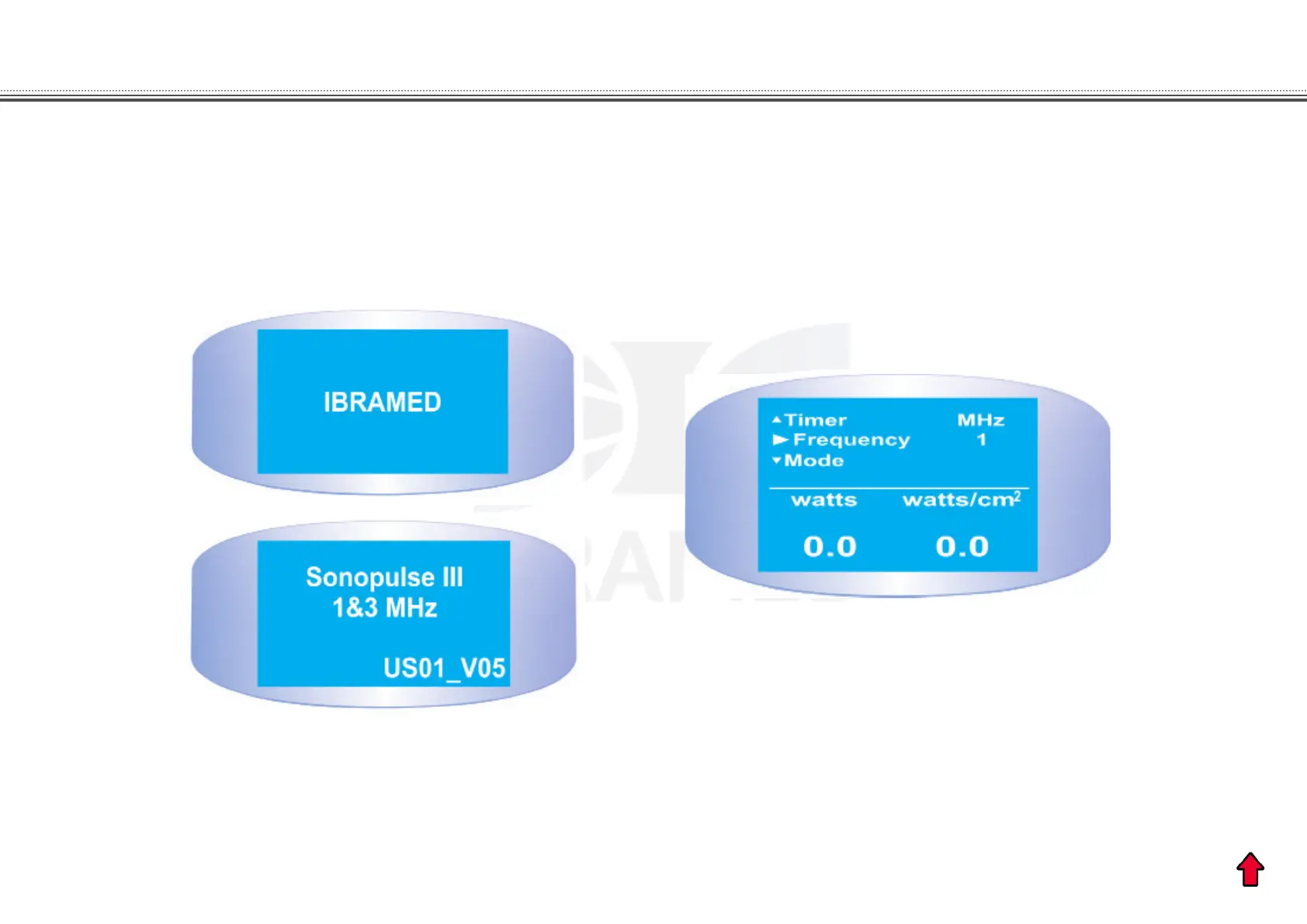
Figure 6. A, presentation message; B, standard/default SONOPULSE III screen.
Note that as the standard/default screen is shown, an arrow indicates the word Output. This arrow indicates the
parameter to be programmed.
B
A
Check if the power cable is connected to the power supply on the wall. Press the ON/OFF switch to the ON position. The
display will show for a few seconds the presentation message which includes the model of the device and the programming
software followed by the standard SONOPULSE III screen (Figure 6).


 To Next Page