42
USING THE PROG/MENU KEYS
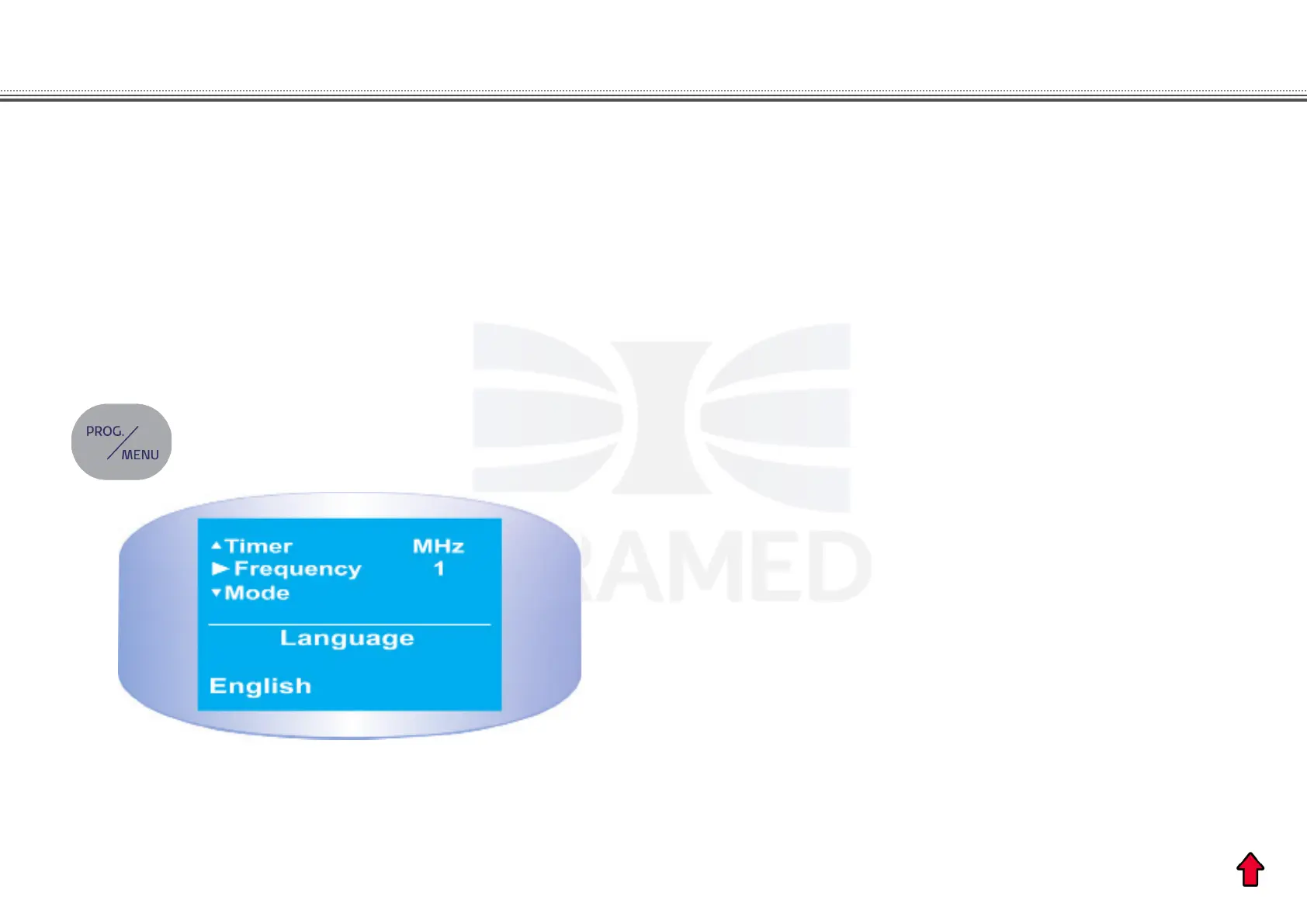
The MENU key is used to select the language. Press the
MENU key until you hear three sound beeps. Select the
desired language: “Portuguese”, “Spanish” or “English”. Press
the MENU key again to dene the chosen language (gure
11).
SELECTION OF LANGUAGE
Figure 10. Message of selection of language.
Turn the equipment on as described above. Press
briey the PROG key and press SET key to select the
PROGRAMMED protocols. Next, the information of the rst
treatment protocol of the equipment will appear on the display.
Use the SET key to select another protocol. See protocols
details in section CLINICAL RESOURCES LIBRARY.
If the rst treatment protocol is the chosen protocol, press the
PROG key once more. The display will show the parameters
for the selected protocol including the ultrasound intensity.
Next, select the therapy time using the SET key and just
press the START key.
Proceed on the same way to select any of the available
protocols. Just follow the steps described above.
SELECTION OF PROGRAMMED PROTOCOLS
USING THE MENU KEY
USING THE PROG KEY


 To Next Page