43
USING THE PROG/MENU KEYS
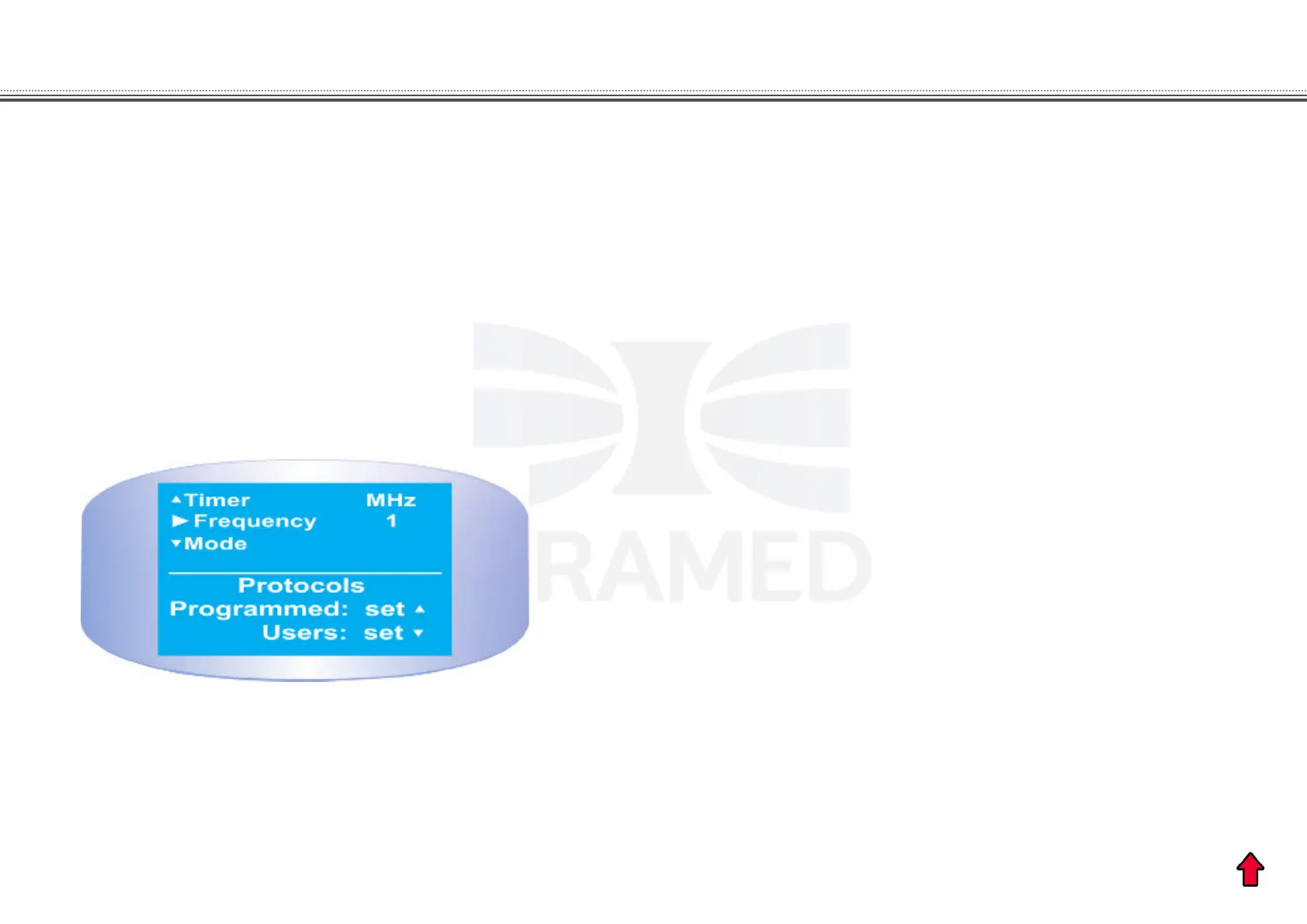
To program new protocols, press briey the PROG button
and press SET button to select the USER protocols. Using the
SET button choose one of the 20 USER protocols available.
Adjust the parameters according to the therapeutic needs and
press START. The last parameters dened will be recorded in
the memory of the device. To access the protocols saved by
the user, just select the PROG button and use the SET button
to choose the number of the desired protocol.
PROGRAMMING USER PROTOCOLS
Figure 11. Programmed and User protocols display.


 To Next Page