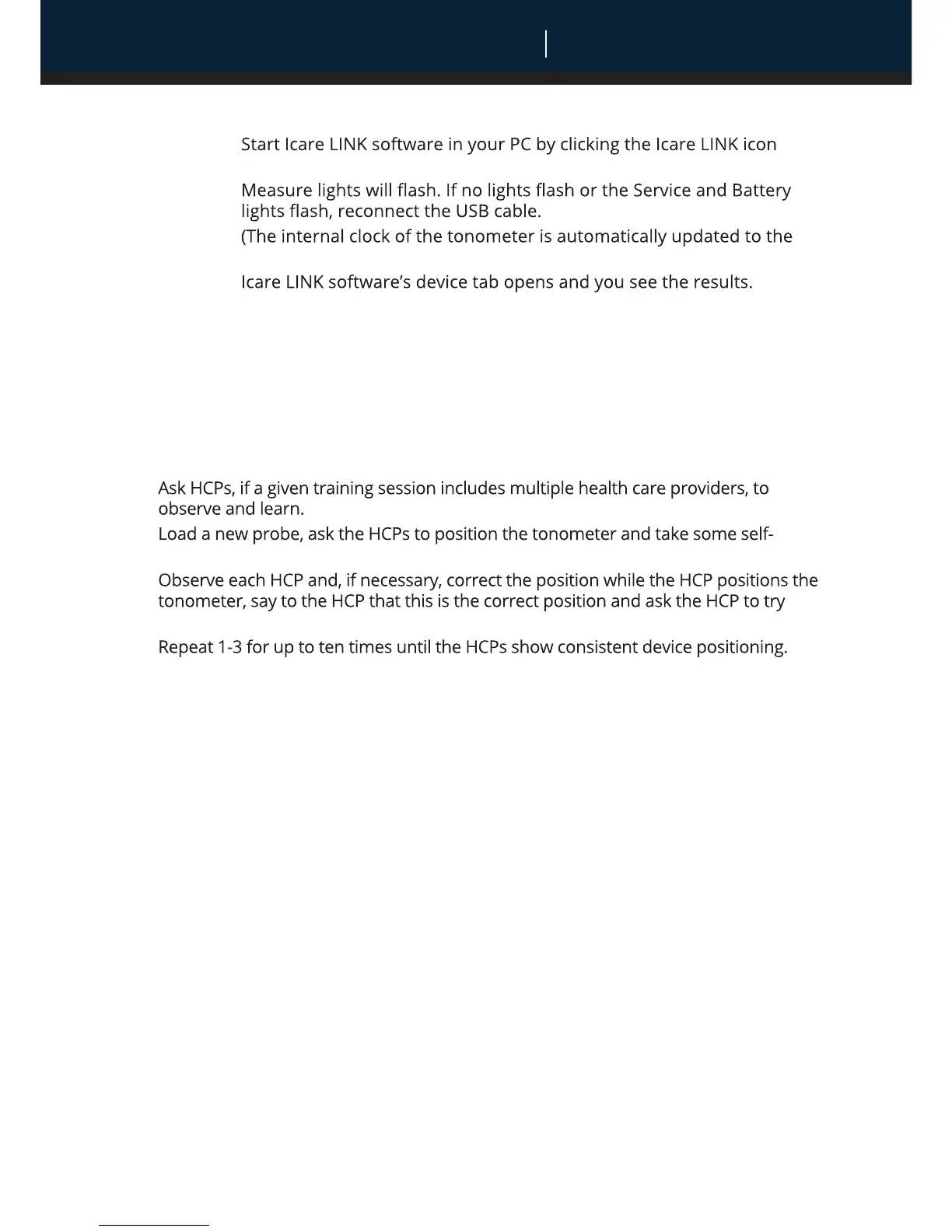
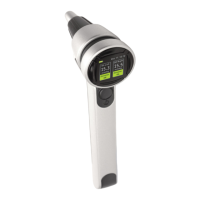
7. Show and explain how to collect, display and store the results (for HCPs only):
•
• Connect the tonometer to the PC using the USB cable. The Load and
•
PC’s time by the Icare LINK software at this point).
•
• Copy the results to a selected patient (it can be the default patient “-
New patient-“ that you can rename afterwards).
• The Measurements tab opens showing the copied results with date
and time information that all is now stored to the PC.
STEP 3 – Rehearsal
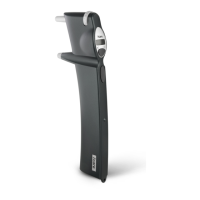
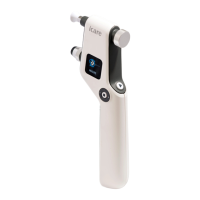
1. Position the tonometer on your (HCP trainer) own eye.
2.
3.
measurements as instructed and demonstrated.
4.
again.
5.
STEP 4 – Reference measurement
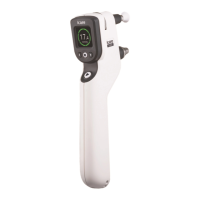
1.Load a new probe and carefully measure the IOP of the HCP with the tonometer once
in each eye.
1. Load a new probe and ask the same HCP to measure his/her own IOP three times in
each eye with the same tonometer used in the reference measurement.
2. Observe if the positioning is correct. Do not supervise or interact.
STEP 6 – Certification
Connect device to computer and view the readings in the Icare LINK software.
The HCP passes the training and is certified for performing tonometry on
patients with the device and for training others in self-use of the device if the
following conditions are met:
a. The reading taken by the trainer and the first of the three readings taken by
the HCP differ by 5 mmHg or less.
b. The range (max-min) of the three readings taken by the HCP is 5 mmHg or
less in case the first reading is 7-23 mmHg or 7 mmHg or less in case the first
rea
ding is >23 mmHg.
c. The positioning of the tonometer was correct during self-use as determined
by the trainer.
Date (dd mm yy):
0 = Pass; 1 = Fail
HCP’s name:
CERTIFICATION
English
Icare HOME tonometer Instruction manual for health care professionals
STEP 5 – Test measurement


 To Next Page