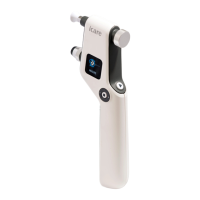
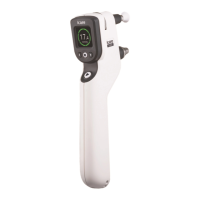
The device displays a color and a text indication of the reliability of the IOP reading. If the deviation
between measurements is within normal limits, the color will be green and the text will read
‘Deviation: OK’. If the deviation is slightly high, the reliability indication color will be yellow and the
text will read ‘Deviation: DEVIATION’. If the deviation is high, the color will be red and the text will
read ‘Deviation: REMEASURE’. The table below explains each reliability indication.
DISPLAYED TEXT DISPLAYED COLOR DEVIATION DESCRIPTION ACTION
Deviation: OK. Green. < 15 % of
the IOP.
No or insignicant
deviation.
-
Deviation:
DEVIATION.
Yellow. 15-25 % of
the IOP.
Slight deviation; the
eect of the deviation is
unlikely to be relevant
to the result unless the
IOP is 19 or higher.
If the IOP is 19 or
higher, take a new
measurement.
Deviation:
REMEASURE.
Red. >25 % of the
IOP.
The deviation is too
high.
Take a new
measurement.
7.2 SETTINGS
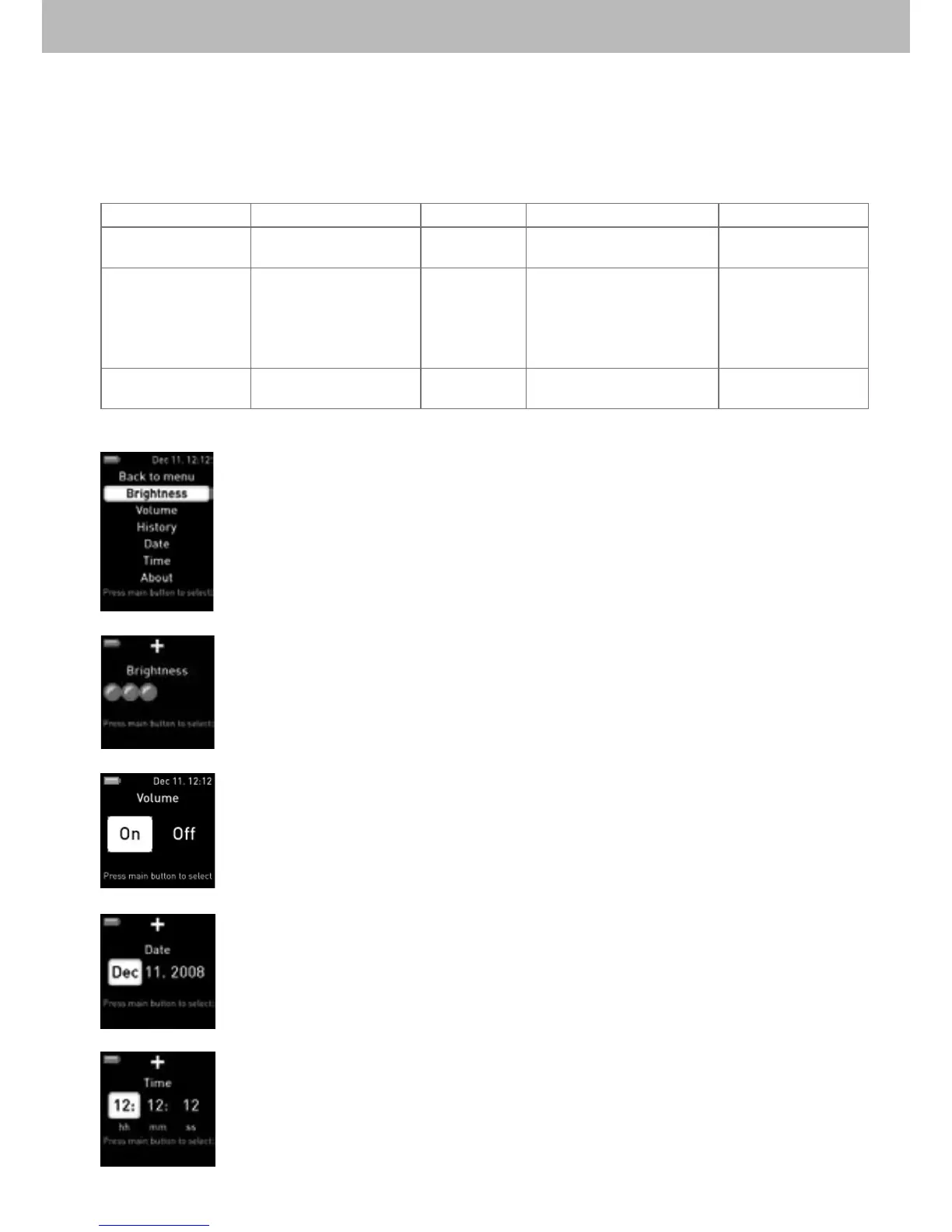
Use the Settings menu to change the tonometer’s settings.
To access the settings, go to Menu –> Settings and press the main button to
conrm.
Brightness - Change the display brightness
Increase or decrease the brightness using the up/down navigation buttons and
press the main button to conrm.
Volume - Turn the tonometer sounds on or o
Select on or o using the left/right navigation buttons and press the main button to
conrm. If the sound is o you will not hear the beep.
Date - Set the date
1. Select the month/day/year you want to change, by using the left/right navigation
buttons.
2. Change the month/day/year, by using the up/down navigation buttons.
3. Press the main button to conrm.
Time - Set the time
1. Select the hour/minute/second you want to change, by using the left/right
navigation buttons.
2. Change the hour/minute/second, by using the up/down navigation buttons.
3. Press the main button to conrm.


 To Next Page
 Loading...