EN
20
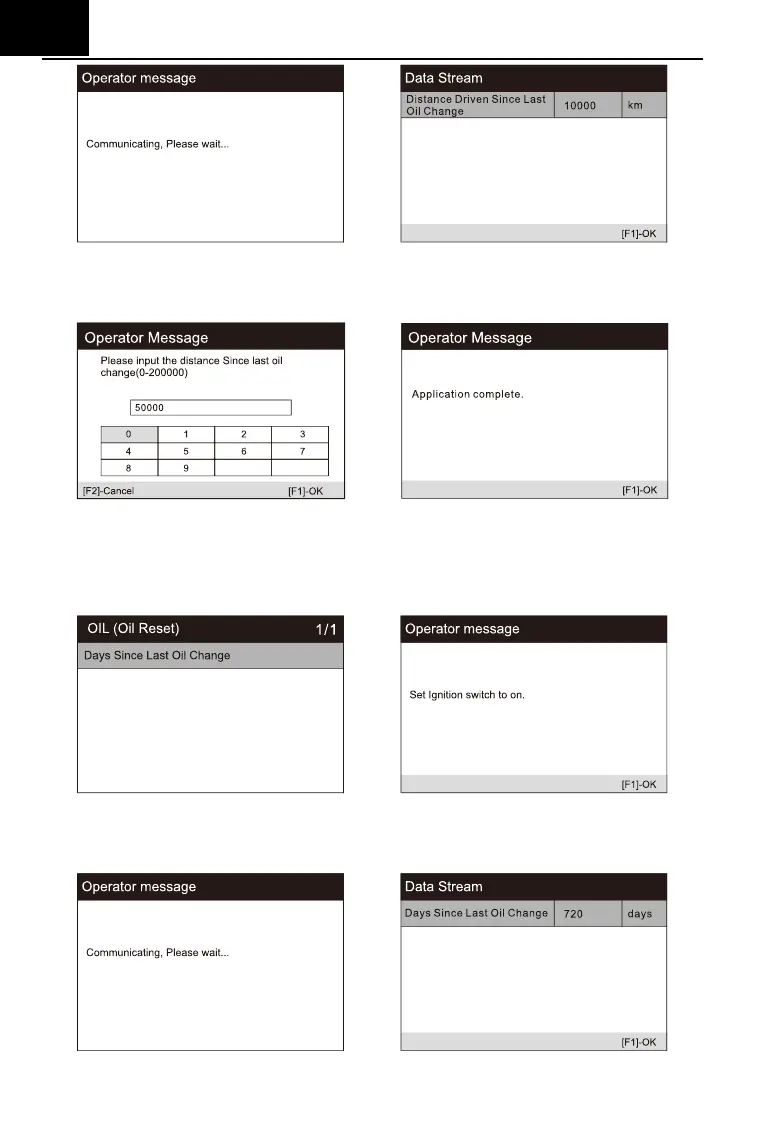
3) Enter the required mileage after oil change and press [OK] to next step
until the application is completed. Press [OK] to exit.
Set the number of days since last oil change:
1) Select the "Days since last oil change" option in the function list. Turn on
the vehicle ignition.
2) Wait for communication between vehicle and equipment. When the
interface of data stream appears, press [OK] to next step.







 To Next Page