EN
41
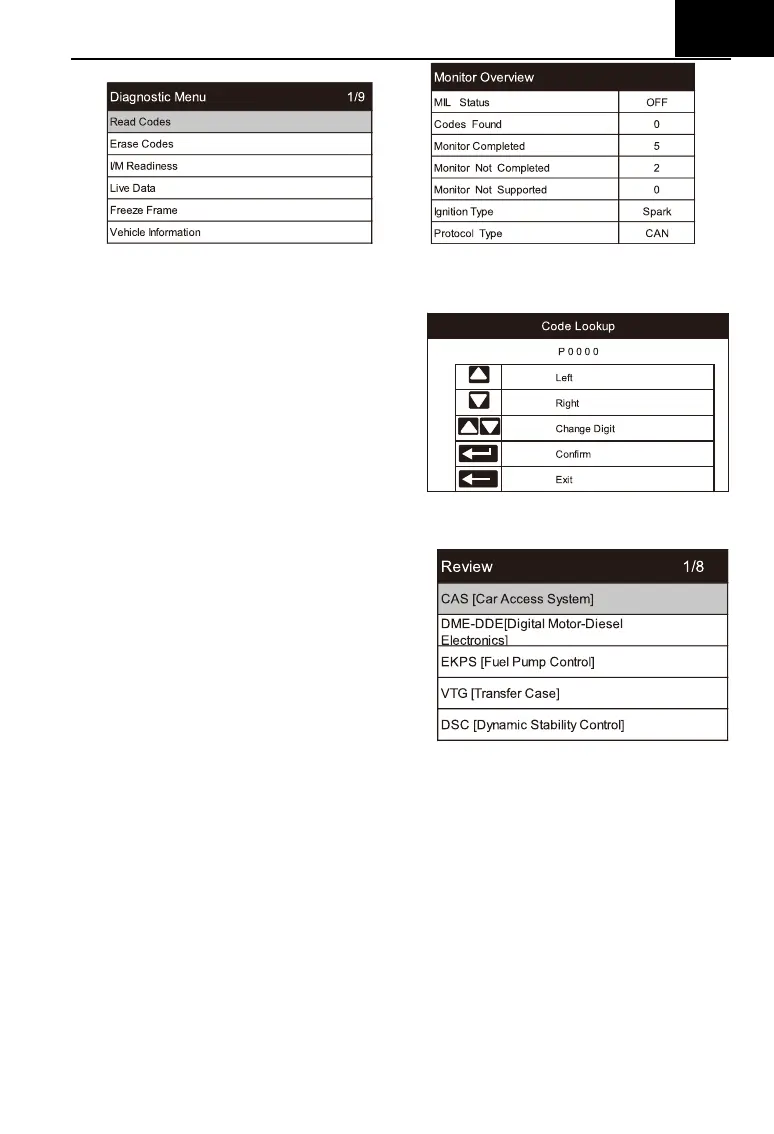
6.5 DTC Lookup
Use cursor button to select DTC
Lookup icon from the main screen,
press ENTER. Press LEFT / RIGHT
button to move the highlight bar to
different position. Press UP / DOWN
button to alter the value, and press
ENTER button, the screen will display
definition of the DTC.
6.6 Review and Report
Use the cursor button to select the
Review icon from the main screen, press
ENTER to review data. The saved data
also can be uploaded to PC by data
cable and create report document on
PC.
6.7 Setup
6.7.1 Language
Use cursor button to select Setup icon on the main screen, press ENTER.
Select Language and press ENTER to set the language.







 To Next Page