EN
40
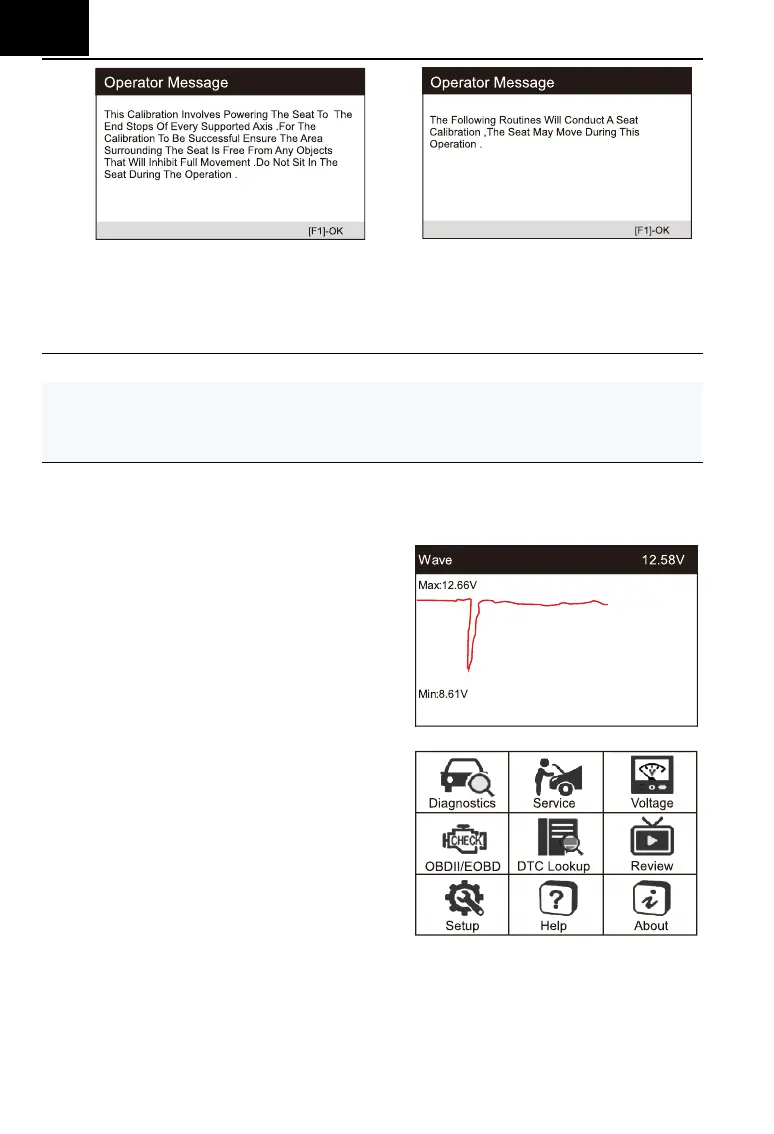
Passenger's Seat Calibration:
The following routine will restore all the seat axis position values to
default for the passenger seat module.
Note:
Different models will have different menu modes. This manual is for reference.
Everything in kind shall prevail. If there is any increase or decrease in the
function of the product, the actual product shall prevail.
6.3 Battery Voltage Test
On battery voltage page, it shows
the voltage of Data Link Connector (DLC),
which is approximately the vehicle
battery’s status. Especially, it can
observe the voltage while engine start.
6.4 OBDII / EOBD
User cursor button to select the
OBDII / EOBD icon from the main screen,
press ENTER. On Monitor Overview,
press ENTER to the Diagnostic Menu. It
supports all 10 modes of OBDII / EOBD,
such as read current fault code, read
pending fault code, read permanent fault
code, erase fault code, read live data, read freeze frame, read vehicle
information, read IM readiness, read oxygen sensor data, read on-board
monitor data and trigger evaporation system leakage test.







 To Next Page