15
10. WHEEL BEARING SENSOR INSTALLATION
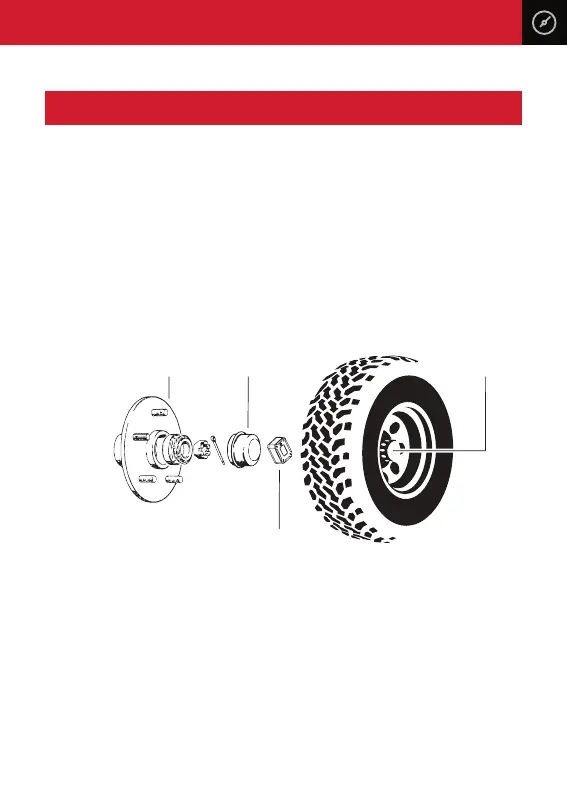
Remove the centre caps from your wheels to expose the metal bearing dust cap.
Make sure there is enough room between the bearing dust cap and the inside of
the wheel centre cap for the sensor to be installed. Please note that some wheel
types may need to be removed to gain access to the dust cap.
Thoroughly clean the hub dust cap surface before installing. If necessary, use a
scotch brite pad to scu the surface and then wipe down with a wax and grease
remover. Make sure the surface is clean and dry and free of any oils or grease
before installation. Once the surface is completely clean and dry, firmly push and
hold the sensor in place for 20 seconds. It’s advisable not to drive for 24 hours to
allow the 3M adhesive to thoroughly bond to the dust cap surface.
Please Note: Most dust caps have a flat surface to mount the bearing sensor too,
however, if you have a curved surface or the dust cap has raised lettering you may
need to replace them with dust caps with a flat surface and are easily found at
your local trailer or caravan store.
Hub Dust Cap
Sensor
Centre Cap



 To Next Page