EasyManua.ls Logo

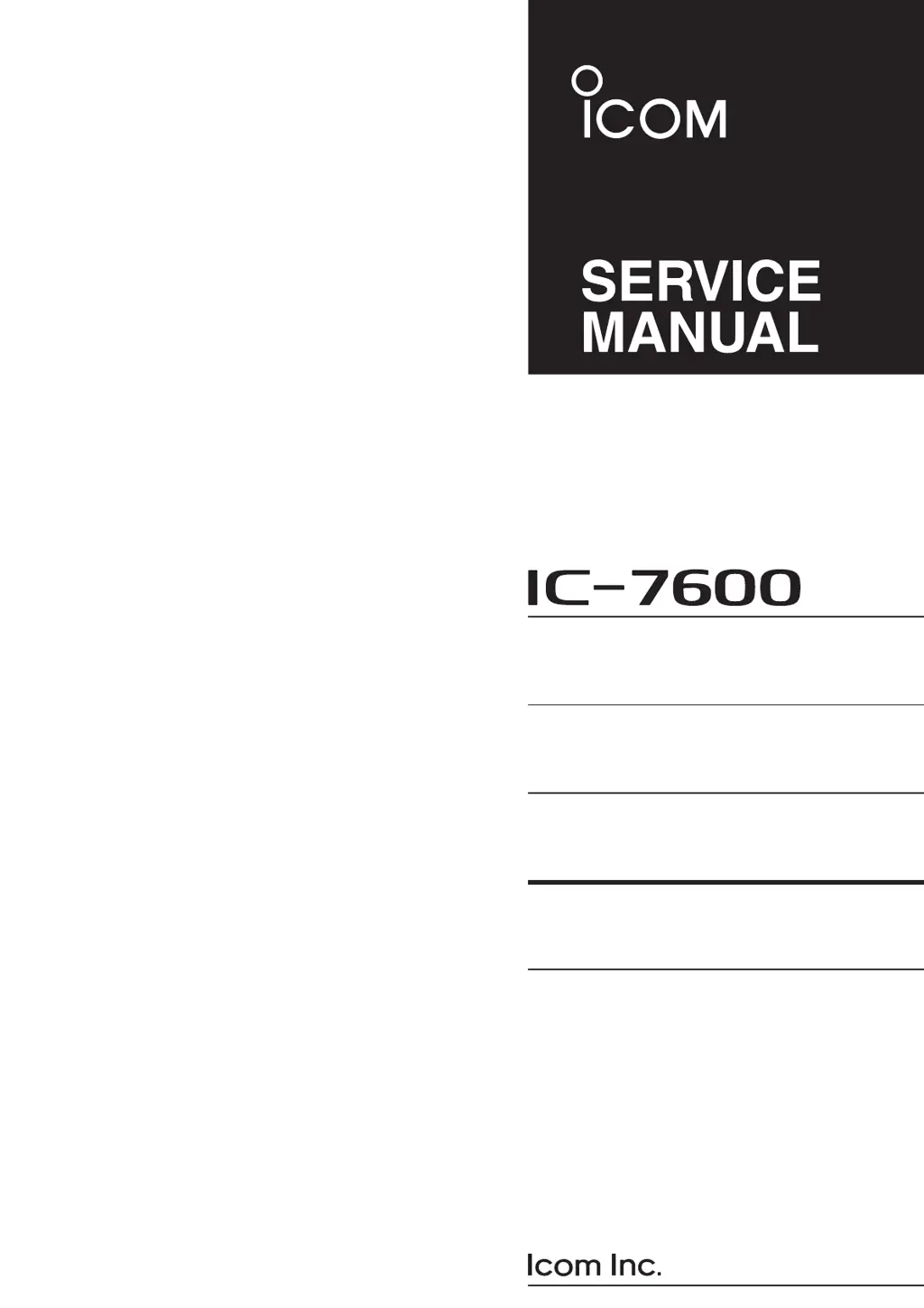
Icom IC-7600 - Service Manual

Icom IC-7600
183 pages
Print Icon
To Next Page IconTo Next Page
Loading...
S-14523XZ-C1
Mar. 2009
HF/50 MHz TRANSCEIVER

Other manuals for Icom IC-7600

Questions and Answers

  • J
    Jordan HughesSep 1, 2025
    How to improve sensitivity on Icom IC-7600?
    • J
      jdavisSep 2, 2025
      If your Icom Transceiver has low sensitivity, and you can only hear strong signals, ensure the antenna is properly connected to the antenna connector. Verify that you've selected an antenna suitable for the operating frequency. If not, select the correct one. You may also need to manually tune the antenna by pushing and holding [TUNER] for 1 second. Finally, check if the attenuator is activated, and if so, push [ATT] (MF4) several times to select 'ATT OFF.'
  • J
    Joseph ChambersAug 31, 2025
    Why is the transmit signal unclear or distorted on my Icom Transceiver?
    • J
      Joseph MasonAug 31, 2025
      If your Icom Transceiver's transmit signal is unclear or distorted, the [MIC GAIN] control may be set too far clockwise; adjust it to a suitable position. Also, check if the speech compressor function is activated and turn it OFF by pushing [COMP] (MF7).
  • J
    Jacqueline MyersAug 29, 2025
    What to do if no contact can be made with another station on Icom Transceiver?
    • R
      Russell ChoiAug 29, 2025
      If you're unable to make contact with another station using your Icom Transceiver, check if the RIT or ?TX function is activated and turn it OFF by pushing [RIT] or [?TX]. Also, ensure that the split frequency function and/or dualwatch are not activated by pushing [SPLIT] and/or [DUALWATCH] to turn them OFF.
  • D
    Debra OlsenAug 28, 2025
    Why is the received audio unclear or distorted on my Icom Transceiver?
    • K
      Kristina TranAug 28, 2025
      If you're getting unclear or distorted received audio on your Icom Transceiver, try these solutions. First, select a suitable operating mode. If the PBT function is activated, push and hold [PBT-CLR] for 1 second to reset it. Turn the noise blanker OFF by pushing [NB] if it's ON while receiving a strong signal. If the preamp is activated, push [P.AMP] (MF3) once or twice to turn it OFF. Finally, adjust the [NR] control for maximum readability if noise reduction is activated.
  • D
    Dale FosterAug 26, 2025
    Why is the output power too low on my Icom IC-7600 Transceiver?
    • L
      Laura WaltersAug 26, 2025
      If you're experiencing low output power on your Icom Transceiver, there are several potential causes. First, ensure the [RF POWER] control is rotated clockwise. Next, verify that the drive gain level and [MIC GAIN] control are set to suitable levels. Also, confirm that you've selected an antenna appropriate for the operating frequency and that the antenna is properly tuned by pushing and holding [TUNER] for 1 second to manually tune it.
  • D
    Danielle TaylorAug 25, 2025
    What to do if memory scan does not start on Icom Transceiver?
    • B
      bakertiffanyAug 25, 2025
      If the memory scan does not start on your Icom Transceiver, it may be because fewer than 2 memory channels have been programmed. To resolve this, program more than 2 memory channels.
  • M
    Michele WolfAug 22, 2025
    How to fix Icom IC-7600 Transceiver programmed scan that does not stop?
    • A
      adamssharonAug 22, 2025
      If the programmed scan on your Icom Transceiver does not stop, it could be because the squelch is open. To fix this, set the [RF/SQL] control to the threshold.

Icom IC-7600 Specifications

General IconGeneral
Antenna ConnectorSO-239
Supply Voltage13.8 V DC ±15%
Frequency Coverage0.03–60 MHz
ModesSSB, CW, RTTY, AM, FM
Receiver TypeSuperheterodyne
DisplayTFT LCD
Weight12 kg
TypeHF Transceiver
Receiver Sensitivity0.16 µV
Image Rejection Ratio>70 dB
IF Rejection Ratio>70 dB
Audio Output Power2.5 W at 10% distortion
Intermediate Frequencies64.455 MHz, 455 kHz
SelectivitySSB: 2.4 kHz
Current Drain2.5 A (receive)

Related product manuals