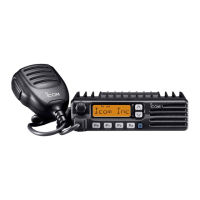
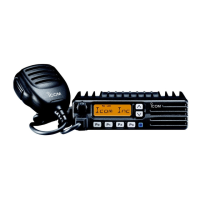
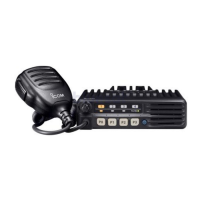
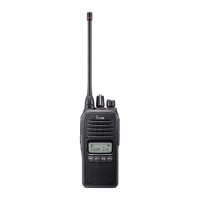
‘‘
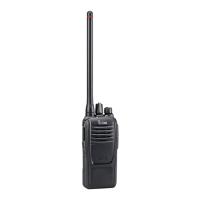
LED indicator
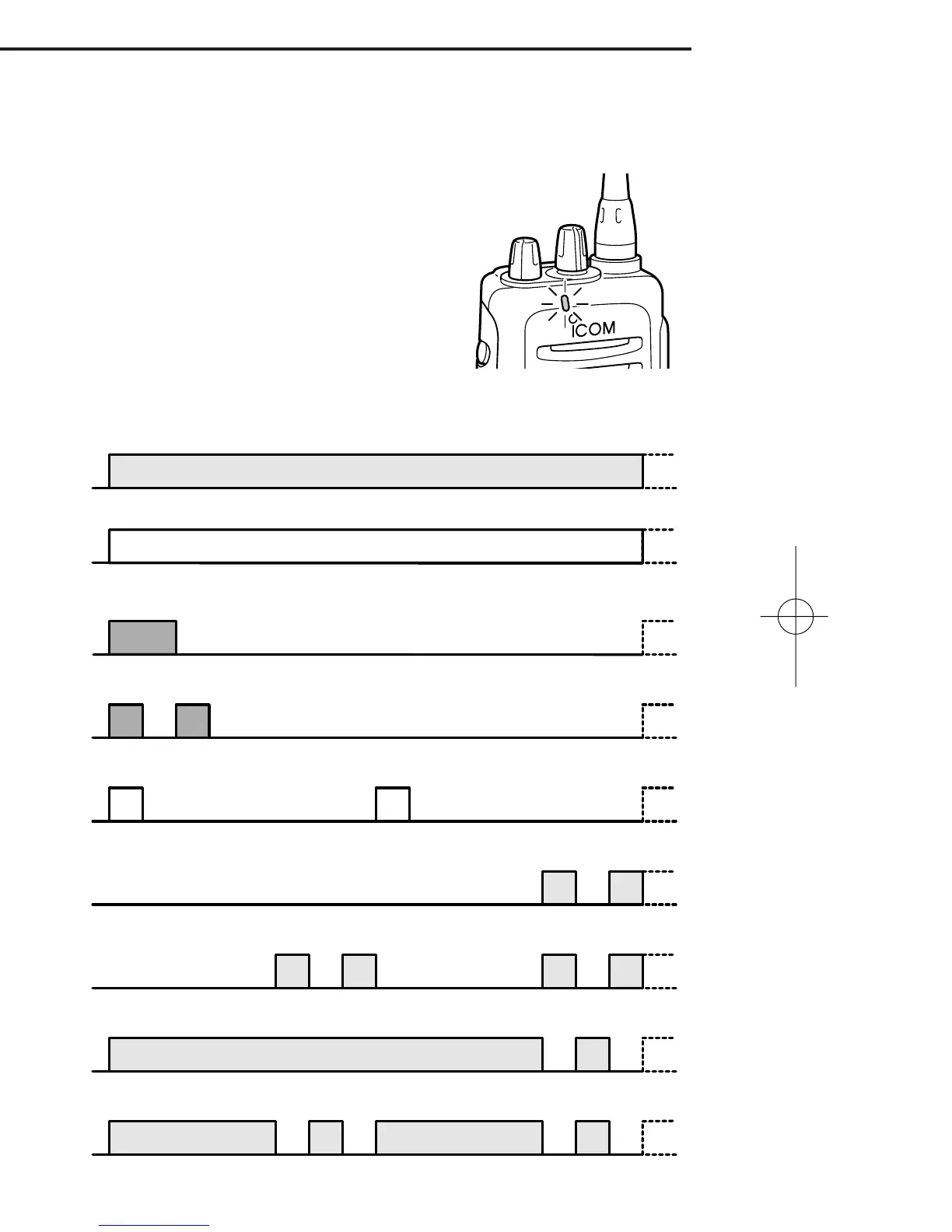
The TX/RX indicator LED indicates several
more information as follows;
(Ref.; R=Red, G=Green, O=Orange)
PANEL DESCRIPTION
1
3
• TX: Turns Red while transmitting a signal.
• RX: Turns Green while receiving a signal.
• Call LED (ON): When receiving a matched 2/5TONE.
• Call LED (Blink): When receiving a matched 2/5TONE.
• Fast/Slow scan: Blinks while Fast/Slow scan is activated.
•Low BATT1: You should charge the battery. (blinks slowly)
•Low BATT2: You must charge the battery. (blinks fast)
•TX low BATT1: Low BATT1 was detected during TX mode.
•TX low BATT2: Low BATT2 was detected during TX mode.
IC-F21_1 IM 01.11.13 2:02 PM Page 8 (1,1)



 To Next Page
 Loading...