11
3
BASIC OPERATION
3
■ Channel selection
Several types of channel selections are available. Methods
may differ according to your system set up.
NON-ZONE TYPE:
Push [CH Up] or [CH Down] to select the desired operating
channel, in sequence; or, push one of [MR-CH 1] to [MR-CH
4] keys to select a channel directly.
ZONE TYPE:
Push [Zone], then push [CH Up] or [CH Down] to select the
desired zone.
AUTOMATIC SCAN TYPE:
Channel setting is not necessary for this type. When turning
power ON, the transceiver automatically starts scanning.
Scanning stops when receiving a call.
■ Call procedure
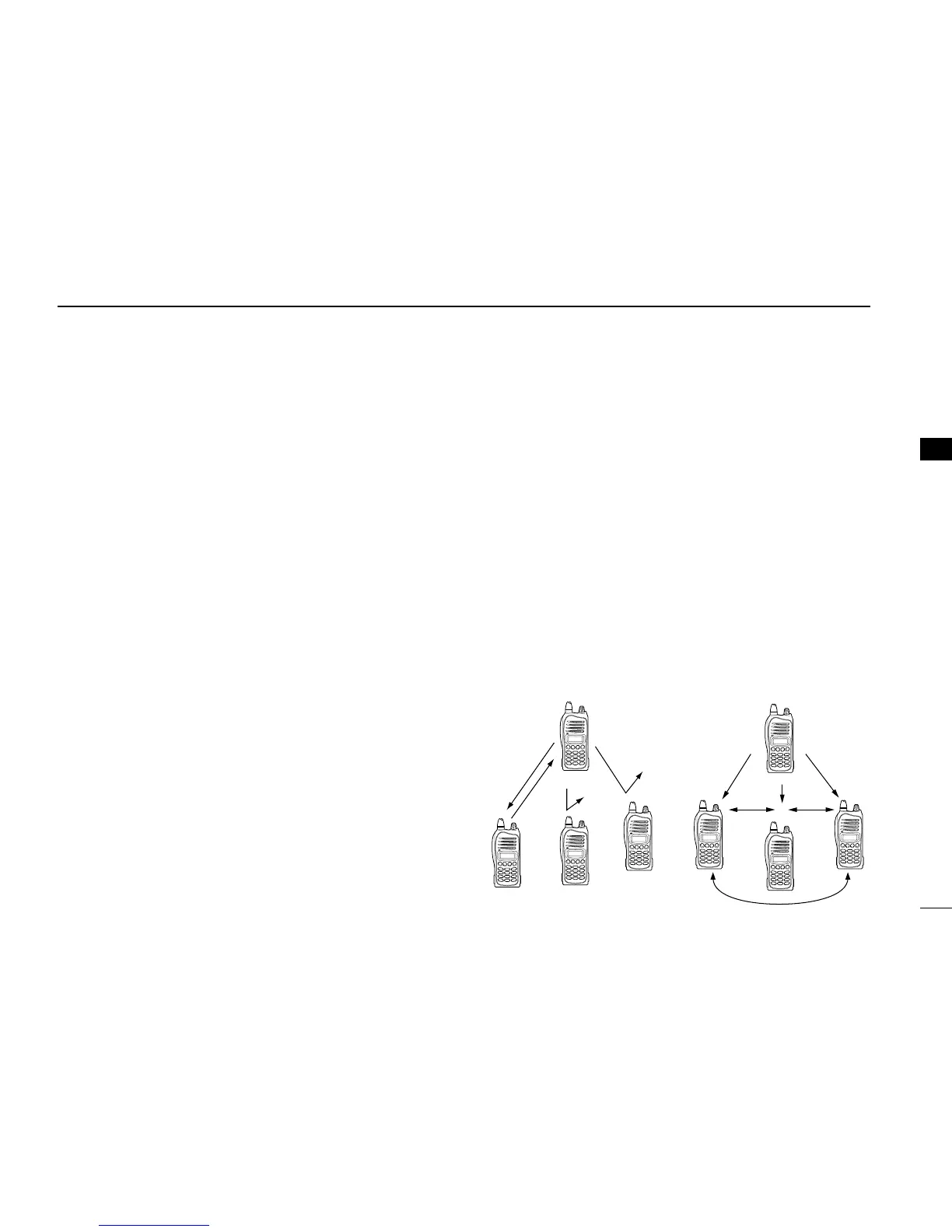
When your system employs tone signaling (excluding CTCSS
and DTCS), the call procedure may be necessary prior to voice
transmission. The tone signaling employed may be a selective
calling system which allows you to call specific station(s) only
and prevent unwanted stations from contacting you.
q Select the desired TX code channel or 5-tone code
according to your System Operator’s instructions.
• This may not be necessary depending on programming.
• Refer to ( p. 13) for selection.
w Push the call key (assigned to one of the dealer program-
mable keys: [Emer], [Side1], [Side2], [Side3], [P0], [P1],
[P2] and [P3]) or [PTT].
e After transmitting a 5-tone code, the remainder of your
communication can be carried out in the normal fashion.



 To Next Page
 Loading...