21
3
BASIC OPERATION
■ Setting the Ringer level
The Ringer level can be adjusted between 1 and 5, or 1 (Linked)
and 5 (Linked). When a Linked option is selected, the Ringer level
is adjustable with [VOL].
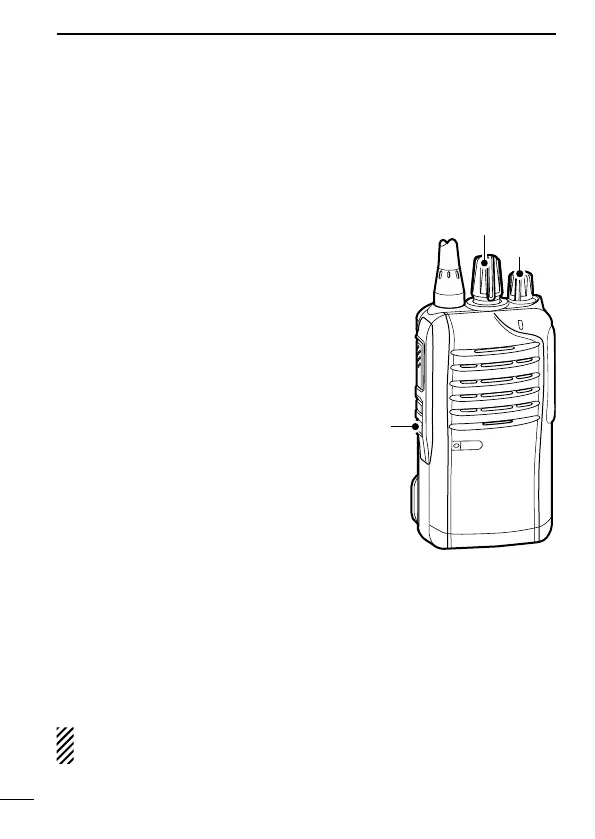
q Rotate [VOL] to turn the trans-
ceiver power OFF.
w Set [ROTARY SELECTOR] to
Channel 16.
e While holding down [Lower], ro-
tate [VOL] to turn ON the power
and enter the Ringer level ad-
justment mode.
r Push [Upper] to increase, or
push [Lower] to decrease the
Ringer level.
• The adjustable range is 1 to 5 or
1 (Linked) to 5 (Linked).
• If the level is set on 5 or 5
(Linked), pushing [Upper] selects
1 (Linked) or 1, respectively. If the
level is 1 or 1 (Linked), pushing
[Lower] selects 5 (Linked) or 5,
respectively.
• A beep sounds after pushing [Upper] or [Lower]. Therefore, you
can determine the current level setting by the type of beep that
sounds.
t Rotate [VOL] to turn the power OFF, then ON again to exit the
beep level adjustment mode.
NOTE: This operation may not be available, depending on the
presetting. Ask your dealer for details.
[VOL]
wer]


 To Next Page
 Loading...