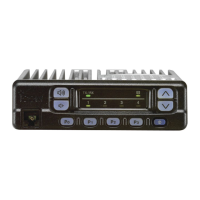
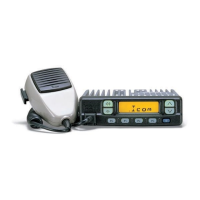
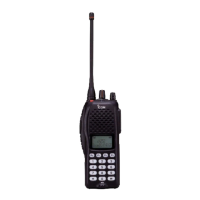
12
3
BASIC OPERATION
■ Call procedure
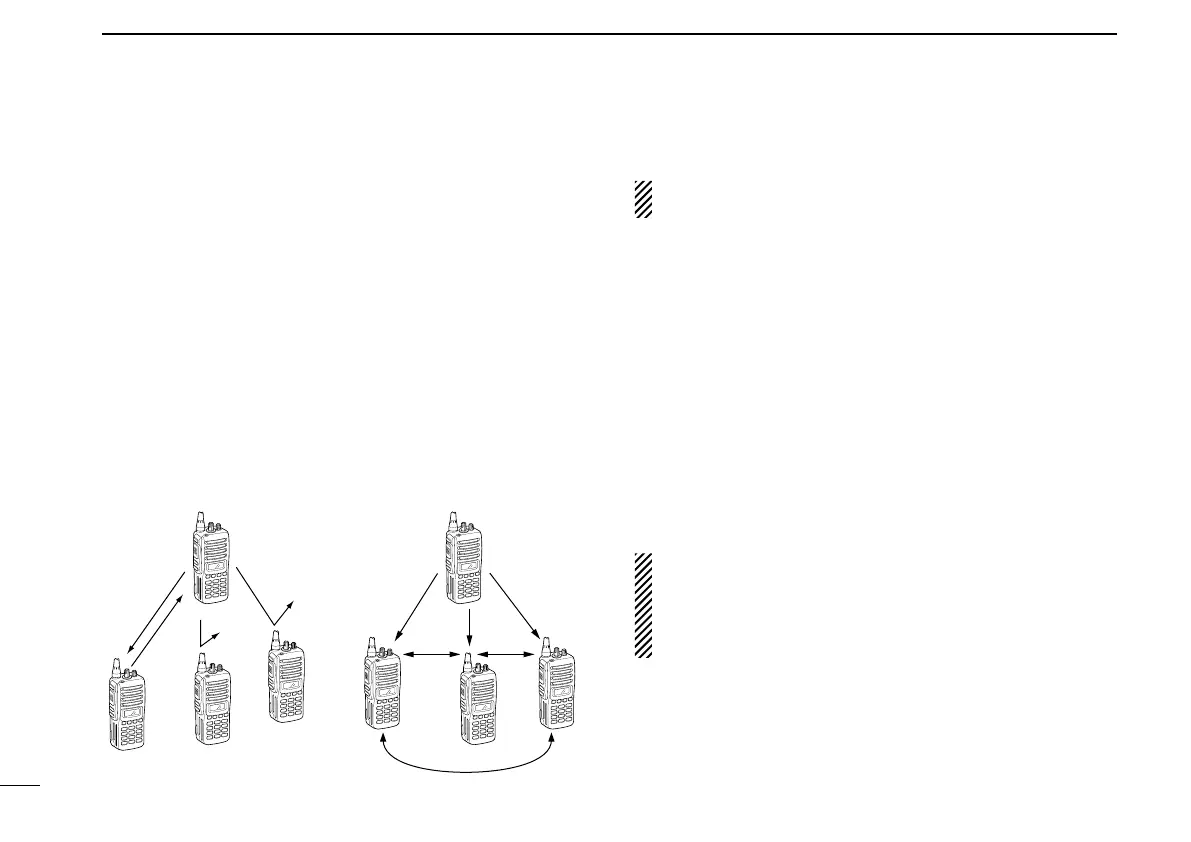
When your system employs tone signaling (excluding CTCSS
and DTCS), the call procedure may be necessary prior to voice
transmission. The tone signalling employed may be a selec-
tive
calling system which allows you to call specific station(s)
only and prevent unwanted stations from contacting you.
q Select the desired TX code channel or 2/5-tone code
according to your System Operator’s instructions.
• This may not be necessary depending on programming.
• Refer to pgs. 13 or 14 for selection.
w Push the call key (assigned to one of the dealer pro-
grammable keys: [Up], [Down], [P0], [P1], [P2], [P3],
[Emergency] and [Monitor]) or [PTT].
e After transmitting a 2/5-tone code, the remainder of your
communication can be carried out in the normal fashion.
■ Receiving and transmitting
NOTE: Transmitting without an antenna may damage the
transceiver. See p. 1 for antenna attachment.
Receiving:
q Rotate [VOL] to turn the power ON.
w Push [UP] or [DOWN], or rotate [ROTARY SELECTOR]*
to select a channel, in sequence.
*Depending on the pre-setting.
e When receiving a call, adjust the audio output level to a
comfortable listening level.
Transmitting:
Wait for the channel to become clear to avoid interference.
q While pushing and holding [PTT], speak into the micro-
phone at a normal voice level.
w Release [PTT] to return to receive.
IMPORTANT: To maximize the readability of your signal;
1. Pause briefly after pushing [PTT].
2. Hold the microphone 5 to 10 cm (2 to 4 inches) from
your mouth, then speak into the microphone at a nor-
mal voice level.
Selective calling
Non-selective calling


 To Next Page
 Loading...