24
4
BIIS OPERATION
D Programming an SDM memory
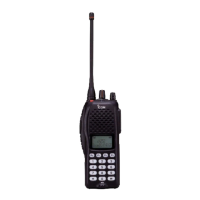
(10-keypad version is required)
q During standby condition, push [P1] (Digital) twice, then
push [UP] or [DOWN] to select the desired SDM to be
edited.
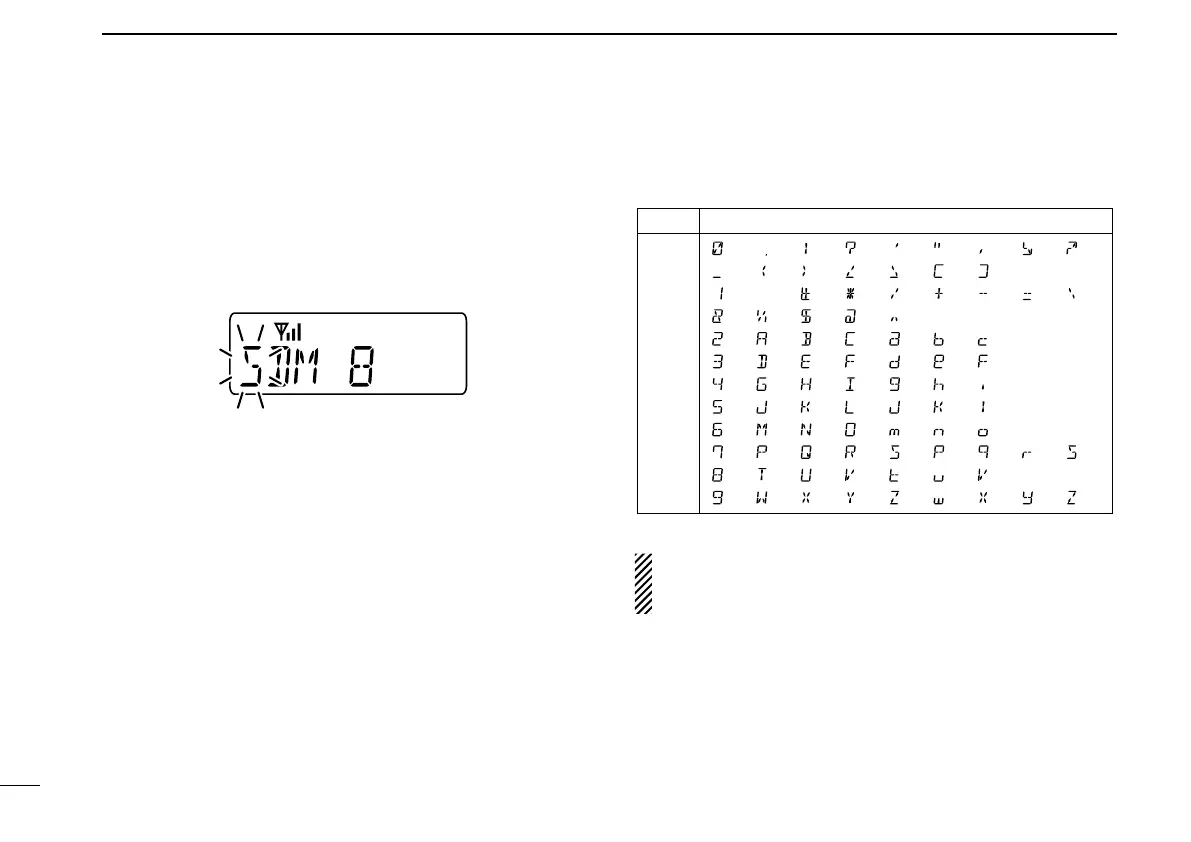
w Push [M] or [#] to enter the message editing condition.
• The first character blinks when [#] is pushed, the last character
blinks when [M] is pushed as below.
e Push the appropriate digit key, [0] to [9], to enter the
desired character.
• See the table at right for the available characters.
• Pushing [UP] also enters space, pushing [DOWN] deletes the
selected character.
r Push [#] to move the cursor to the right, push [M] to move
the cursor to the left.
t Repeat steps e and r to set the desired text message.
y Push [P1] (Digital) for 1 sec. to overwrite the set content
into the memory.
• Push [P1] (Digital) momentarily to cancel the editing and return
to the original message indication.
• Available characters
NOTE: Once the pre-programmed character including a
decimal point is rewrote with the 10-keypad, the decimal
point cannot be displayed again.
Key
[0]
[1]
[2]
[3]
[4]
[5]
[6]
[7]
[8]
[9]
Characters
(0)
(1)
(2)
(3)
(4)
(5)
(6)
(7)
(8)
(9)
(.)
(Space)
(A)
(D)
(G)
(J)
(M)
(P)
(T)
(W)
(!)
(#)
(B)
(E)
(H)
(K)
(N)
(Q)
(U)
(X)
(?)
(�)
(C)
(F)
(I)
(L)
(O)
(R)
(V)
(Y)
(')
(/)
(a)
(d)
(g)
(j)
(m)
(S)
(t)
(Z)
(")
(+)
(b)
(e)
(h)
(k)
(n)
(p)
(u)
(w)
(,)
(Ð)
(c)
(f)
(i)
(l)
(o)
(q)
(v)
(x)
(;)
(=)
(r)
(y)
(:)
(_) (() ()) (<) (>) ([) (])
(/)
(&) (%) ($) (@) (^)
(s)
(z)


 To Next Page
 Loading...