33
5
MDC 1200 OPERATION
■ Receiving a call
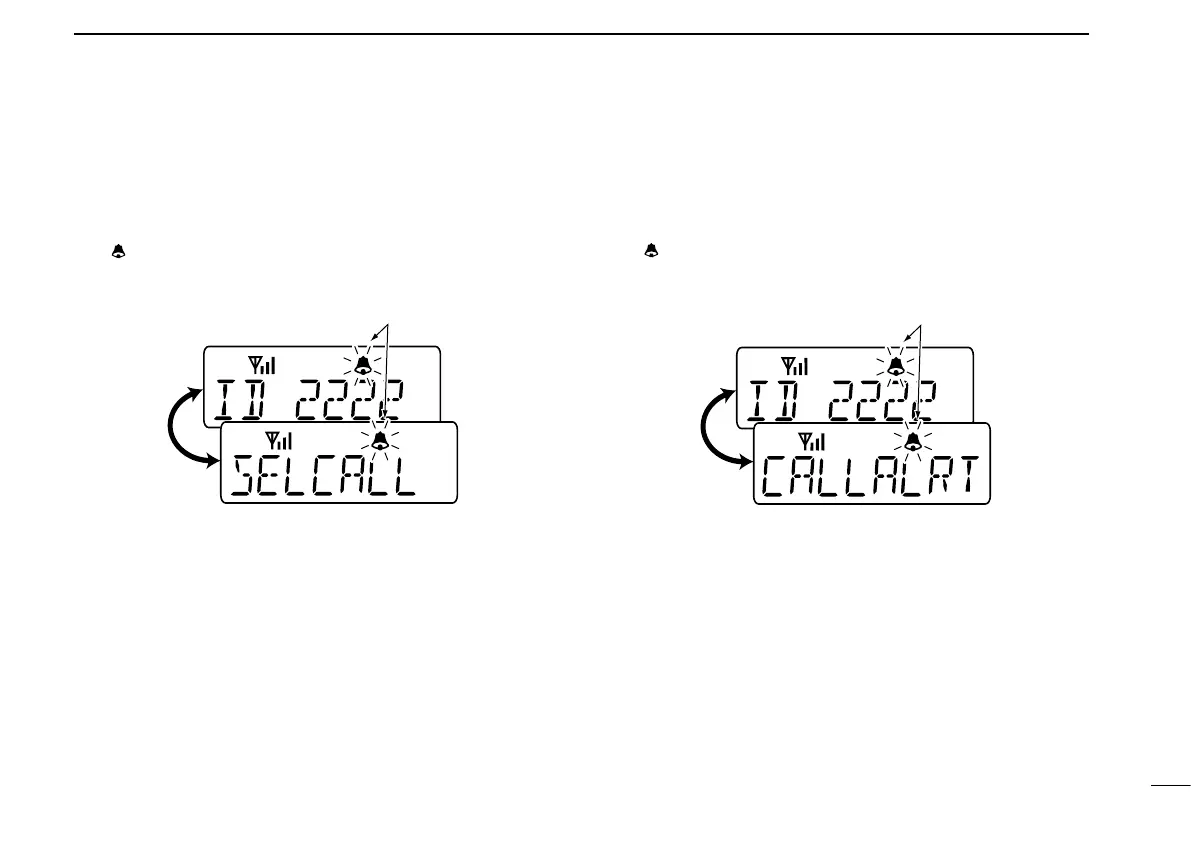
D Receiving a Selective Call
q When an individual call is received;
• Beeps sound.
• “
” blinks.
• The calling station ID (or alias) and “SELCALL” are displayed
alternately.
w Push and hold [PTT] and speak into the microphone.
e Release [PTT] to receive a response.
D Receiving a Call Alert
q When a Call Alert is received;
• Beeps sound.
• “
” blinks.
• The calling station ID (or alias) and “CALLALRT” are displayed
alternately.
w Push and hold [PTT] and speak into the microphone.
e Release [PTT] to receive a response.


 To Next Page
 Loading...