14
1
7
4
10
15
18
2
8
13
5
11
16
3
9
14
6
12
17
5
SCAN OPERATION
■ Scan types
You can nd ongoing communication by scanning the Favorite channels. Scan is for all
the transceiver versions except the NLD version.
Before starting a scan :
• Set the channels that you want to scan as Favorite channels. (p. 15)
L Only the Favorite channels are scanned.
• Set the scan type to “Priority Scan” or “Normal Scan” on the Menu screen.
[MENU] > Settings > Radio > Scan Type
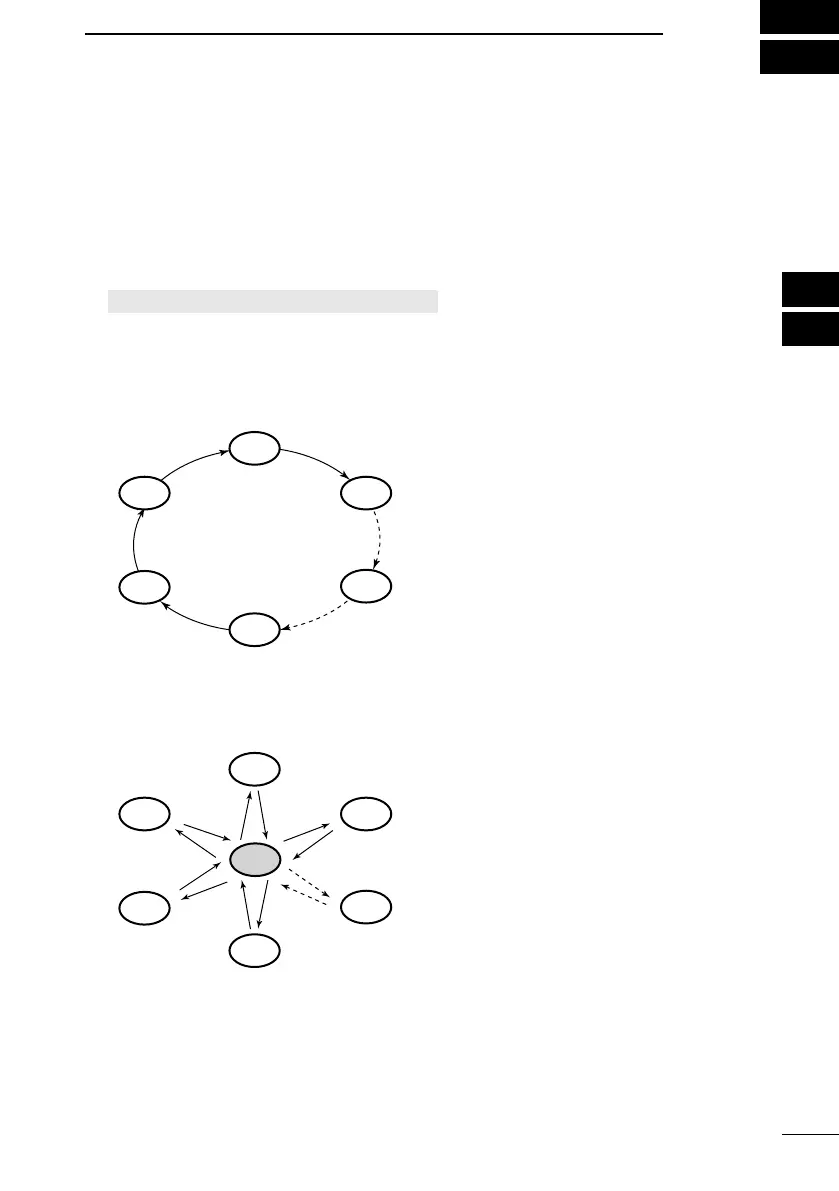
Normal Scan
Sequentially searches through all Favorite channels. Channel 16 is not scanned unless it
is set as a Favorite channel.
CH 04
CH 02
CH 03
WX*
CH 01
CH 05
Priority Scan
Sequentially searches through all Favorite channels, while also periodically checking
* For the USA version, when the Weather
Alert function is ON, the previously
selected Weather channel is also scanned.
Channel 16.
CH 16
CH 04
CH 02
CH 03
WX*
CH 01
CH 05
When a signal is received:
On Channel 16: The scan pauses until the signal disappears.
On a channel other than Channel 16: The scan becomes Dualwatch until the signal
disappears.
* For the USA version, when the Weather
Alert function is ON, the previously
selected Weather channel is also scanned.
FELLECS-TECH | inbox@fellecs-tech.com | www.fellecs-tech.com



 To Next Page