35
7
DIGITAL SELECTIVE CALLING (DSC)
D Receiving a Distress Relay call
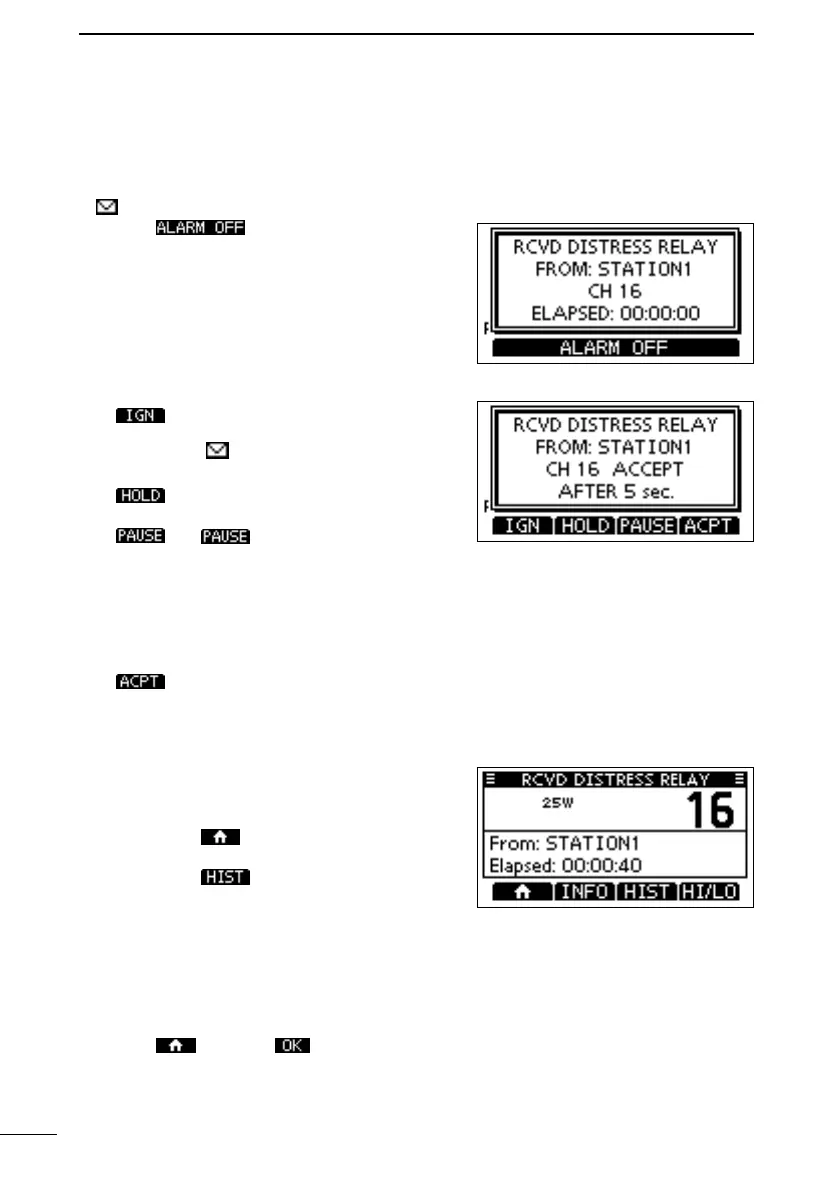
When a Distress Relay call is received:
• An alarm sounds.
•
• “
” blinks.
1. Push .
2.
operation.
Returns to the operating screen.
The call is saved in the DSC Log.
“
” blinks continuously until you
display the call message.
Holds the RX call task, and
returns to the Main screen.
is not displayed if the
“Manual.” (p. 44)
assigned channel is automatically
selected.
The call is saved in the DSC Log.
Accepts the call. Channel 16 is
automatically selected. Monitor
Channel 16 as a coast station
may require assistance. After
Channel 16 is selected, select
operating screen.
“DISTRESS HISTORY”
screen.
3. Push
, and then to return to the operating
screen.
FELLECS-TECH | inbox@fellecs-tech.com | www.fellecs-tech.com



 To Next Page