67
9
OTHER FUNCTIONS
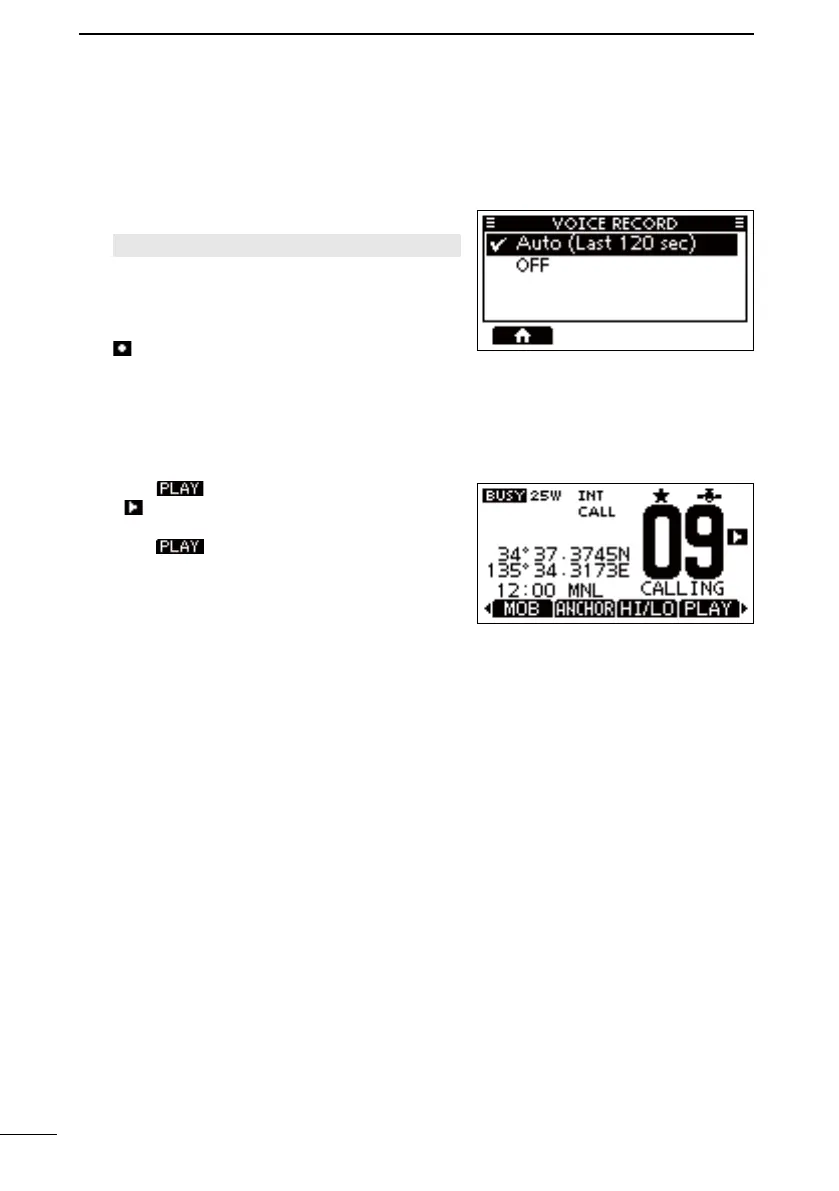
■ Voice Record (For only the IC-M510BB)
This function automatically records the last 120 seconds of the received audio.
D Audio recording
1. Open the “VOICE RECORD” screen.
[MENU] > Settings > Radio > Voice Recor
d
2. Select
“Auto (Last 120 sec).”
z Recording starts automatically when a signal is
received.
• is displayed when recording the received
audio.
• The recorded audio is erased when the
D Audio playback
1. Push
• is displayed while playing back the recorded
audio.
2. Push again to stop playing the
recorded audio.
FELLECS-TECH | inbox@fellecs-tech.com | www.fellecs-tech.com



 To Next Page