72
1
7
4
10
15
18
2
8
13
5
11
16
3
9
14
6
12
17
OTHER FUNCTIONS
9
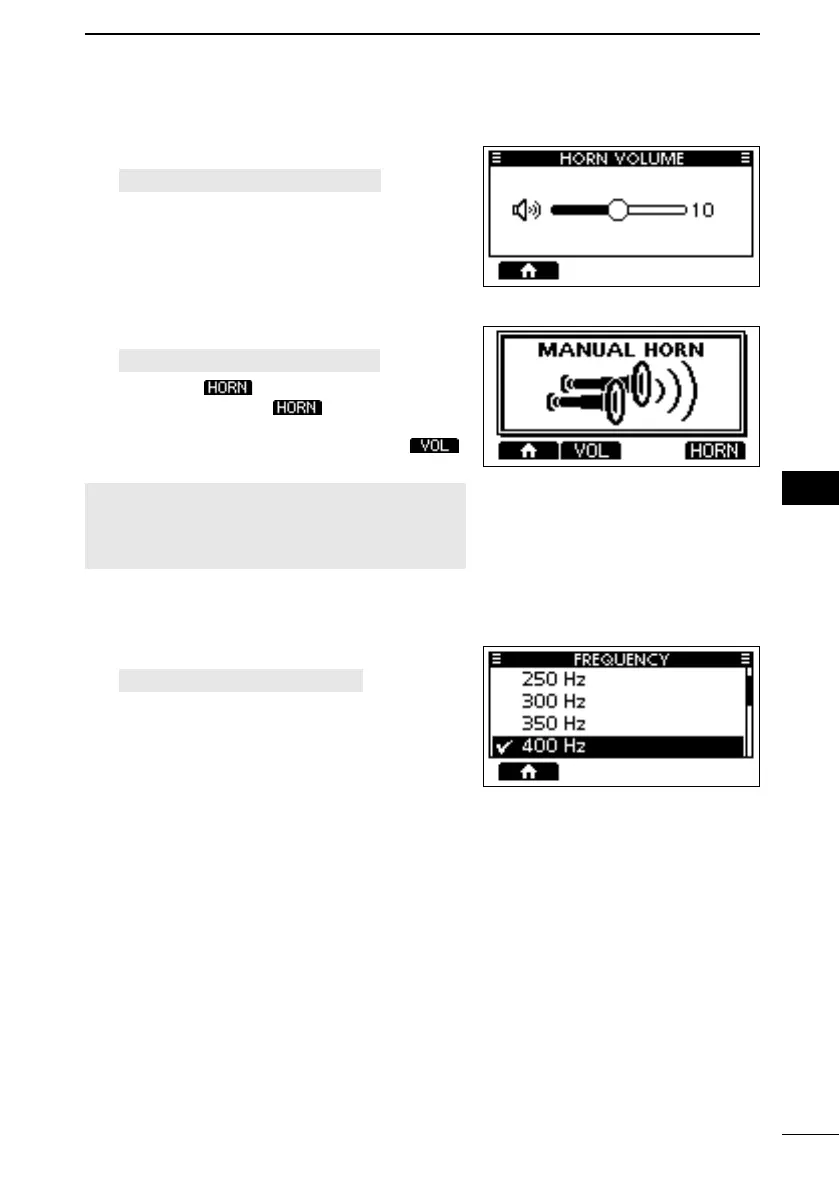
D Horn Volume function
1. Open the “HORN VOLUME” screen.
[MENU] > Horn > Horn Volume
2.
foghorn level.
D Manual Horn function
1. Open the “MANUAL HORN” screen.
[MENU] > Horn > Manual Horn
2. Hold down
to sound a horn.
• While holding down , the horn sounds,
and the screen shown on the right is displayed.
L To adjust the horn volume level, push
to open the Horn Volume popup screen.
NOTE: While in the Horn mode, the transmit
and receive functions are disabled. When the
transceiver is transmitting, the Horn function is
disabled.
D Frequency setting
1. Open the Frequency.
[MENU] > Horn > Frequency
2. Select the foghorn’s audio frequency.
L Available frequency range is 200 Hz to 700 Hz
in 50 Hz steps.
FELLECS-TECH | inbox@fellecs-tech.com | www.fellecs-tech.com



 To Next Page