3
FREQUENCY AND CHANNEL SETTING
16
■
Setting tuning dial increments
D Tuning step selection [
Tuning steps can be selected for each band. This transceiver
has 8 tuning steps as follows:
•5 kHz* •10 kHz •12.5 kHz •15 kHz
•20 kHz •25 kHz •30 kHz •50 kHz
*5 kHz cannot be selected in the VHF display when both displays are
set for the UHF band.
q Assign the main band to the de-
sired display with [MAIN].
w Select VFO mode with [VFO].
e Push [
(H/L)SET] for 2 sec. to enter
set mode.
r Push [
(H/L)(SET)J] or [(TONE)K]
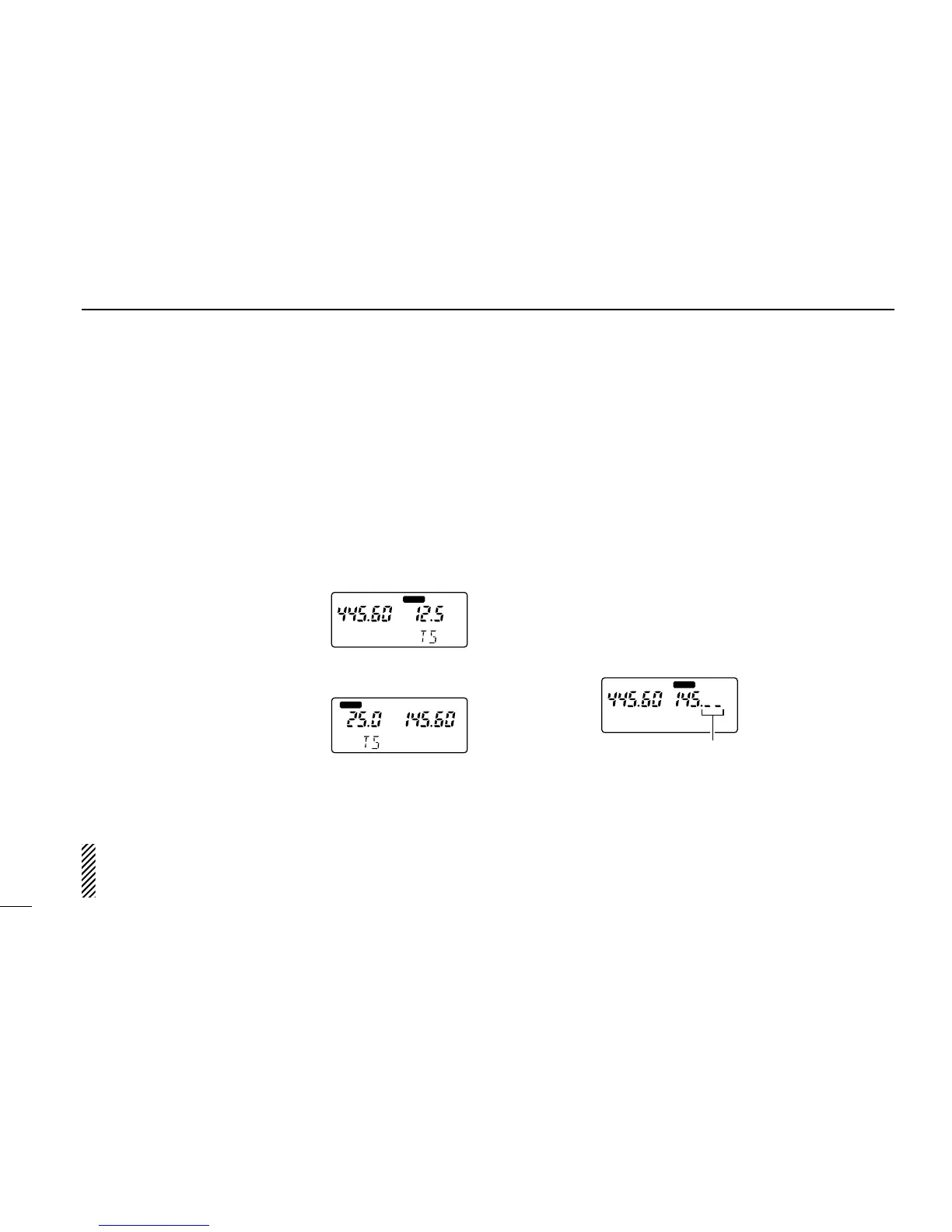
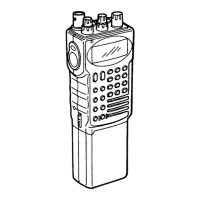
several times until “TS” appears.
•Previously selected tuning step ap-
pears.
t Rotate the main band’s [DIAL] to
select the desired tuning step.
y Push [
(VFO)CLR] to set the se-
lected tuning step.
NOTE:Both displays have independent tuning steps ac-
cording to the operating band. (e.g. VHF band in left dis-
play: 5 kHz step; VHF band in right display: 12.5 kHz step)
D Using 1 MHz tuning step
This transceiver has a 1 MHz tuning step for quick frequency
setting.
q Assign the main band to the desired display with [MAIN].
w Select VFO mode with [VFO].
e Push [
(VFO)MHz] for 2 sec. to select the 1 MHz tuning step.
•The digits below 100 kHz disappear.
r Rotate the main band’s [DIAL] to change the frequency in
1 MHz steps.
t Push [
(VFO)CLR] to cancel the 1 MHz tuning step and to
return to the previous tuning step.



 To Next Page