BASIC OPERATION
4
17
■ Receive and transmit
CAUTION:Transmitting without an antenna may damage
the transceiver.
q Push [POWER] for 2 sec. to turn power ON.
w Adjust the [VOL] control to the desired level.
•While pushing [SQL], rotate the main band’s [VOL].
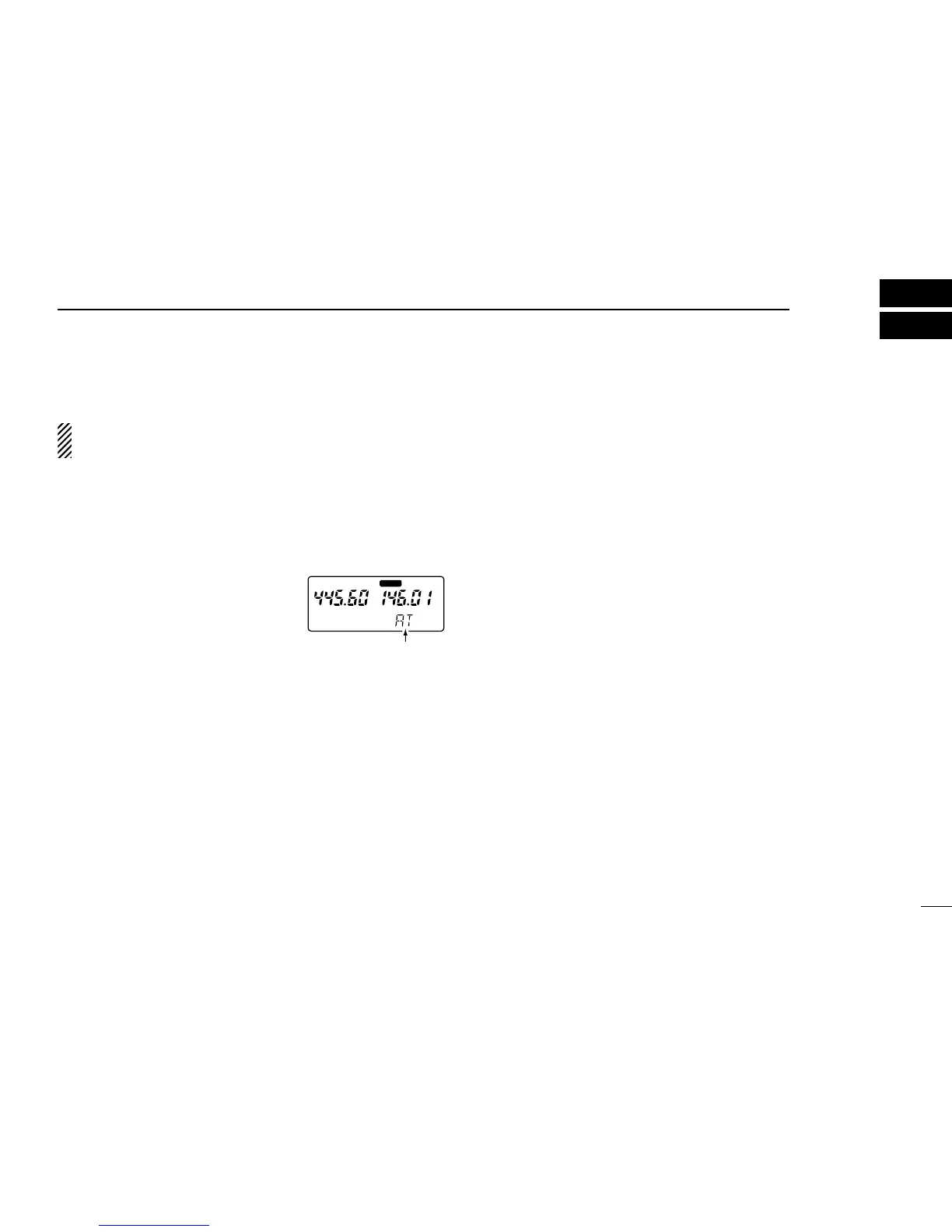
e Set the squelch level.
•While pushing [SQL], rotate the main
band’s [DIAL].
•The first click of [DIAL] indicates the
current squelch level.
•“SQ1” is loose squelch and “SQ8” is
tight squelch.
•“AT” is automatic level adjustment
with a noise pulse count system.
r Set an operating frequency.
When a signal is received:
➥ The TX/RX indicator lights green.
➥ Squelch opens and audio is emitted from the speaker.
➥ The receiving band’s S/RF indicator shows the relative signal
strength.
t Push [H/L] to toggle output power between high and low.
•“LOW” appears when low output power is selected.
y Push and hold [PTT] to transmit; then speak into the mic.
•Do not hold the microphone too close to your mouth or speak
too loudly. This may distort the signal.
•The TX/RX indicator lights red.
•The S/RF indicator shows the output power selection.
•The sub band can receive while transmitting on the main band,
depending on the set mode setting. (See the next page.)
u Release [PTT] to return to receive.
➲ CONVENIENT
Monitor function: Push and hold [SQL] to listen to weak sig-
nals without disturbing the squelch settings.
Quick guide function: Push the desired key while pushing
[L/G] for a quick description of the key’s function. (p. 34)
•Push any key to cancel the quick guide.



 To Next Page