2. Assign Employees a Personal Identification Number (PIN)
11. SUPPORT INFORMATION
Free assistance is available for the first 30 days on new purchases and includes:
Unlimited telephone and email support
Remote login assistance and troubleshooting
For Assistance, please call: 1-800-847-2232 #2, Mon-Fri, 5:00 AM to 5:00 PM PT
To submit an online request: https://www.icontime.com/contact-support/
Product registration is required for our free 30-day assistance.
We also offer extended support contracts which include:
Annual Hardware Maintenance (Time Clock Insurance)
nnual Upgrade to the Latest Software Version
Annual Software Maintenance
Unlimited Telephone and Email Support
Remote Login Assistance and Troubleshooting
For instructions on clocking in and out, please refer to the enclosed
Quick Reference Sheet >
For detailed instructions on how to setup, use and manage the features of your time clock, please refer to the User
Guide >
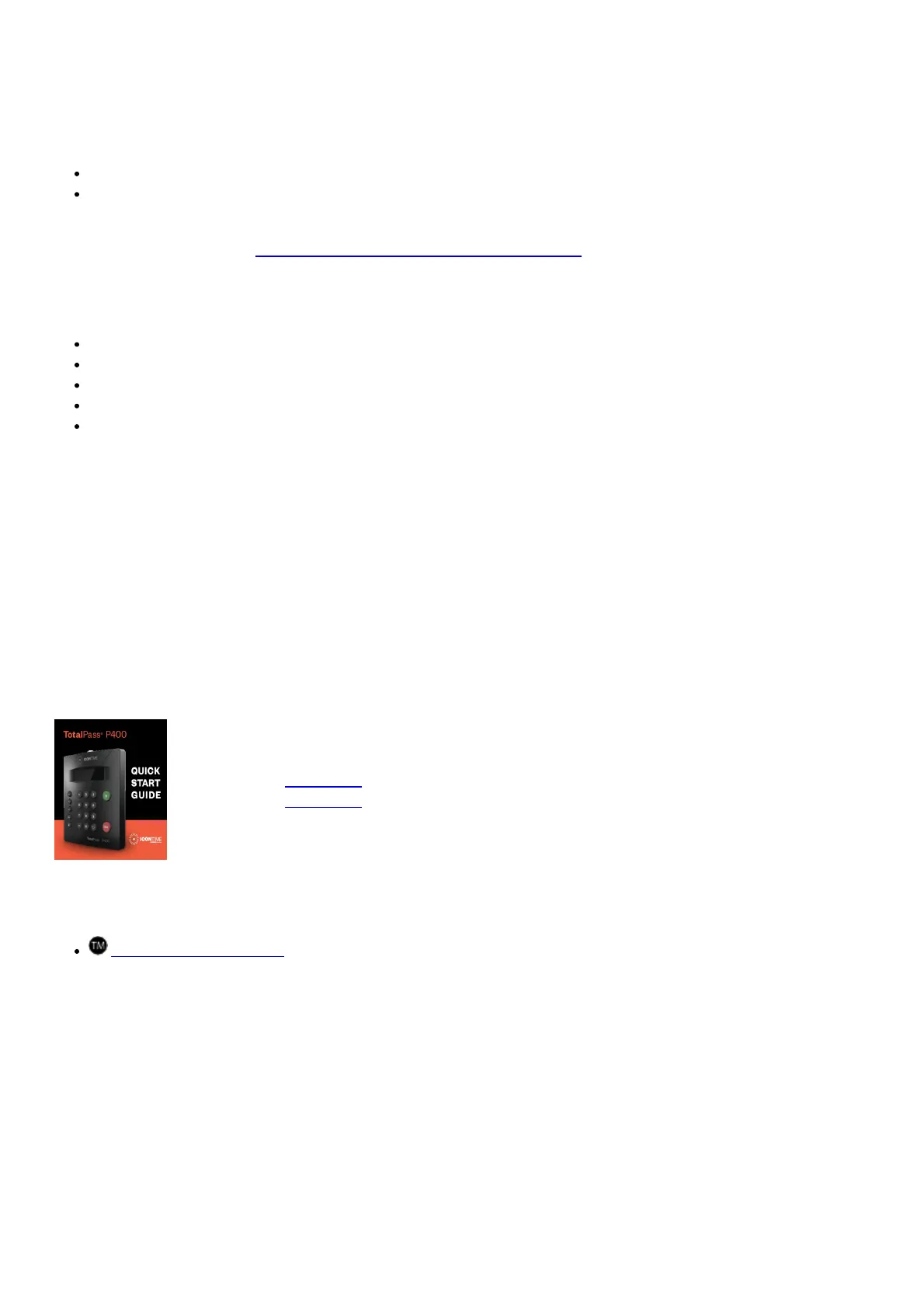
Quick Start Guide >
© Copyright 2019 IconTime, Inc. All rights reserved.
TotalPass®, IconTime and the IconTime logo are trademarks of IconTime, Inc.
The information in this guide is subject to change without notice. 3/21. P400QSG-03
File Downloads
User Guide
TotalPass P400
Download [optimized]
Download
References
TotalPass® Trademark
Related Manuals
1. ICON TIME TotalPass B600 User Guide ICON TIME TotalPass B600 UNPACK THE BOX Thank you for...
2. TotalPass B600 Quick Start Guide TotalPass® B600 QUICK START GUIDE 1 UNPACK THE BOX Thank...



 To Previous Page