13
12. Lock
Pressing this button will ensure that the units faders do not change regardless of
the movement of the physical fader. The user must press this button to 'unlock'
the channel in order to aect a change.
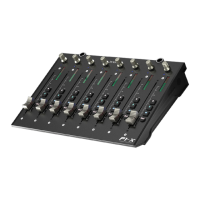
If using P1-X extenders, the Lock button will communicate in real time via the
iMAP - which acts as a 'bridge' between the units - faders on the P1-X will be
similarly aected.
13. Channel LED Meters
Eight 12-segment LED meters showing the associated channel level.
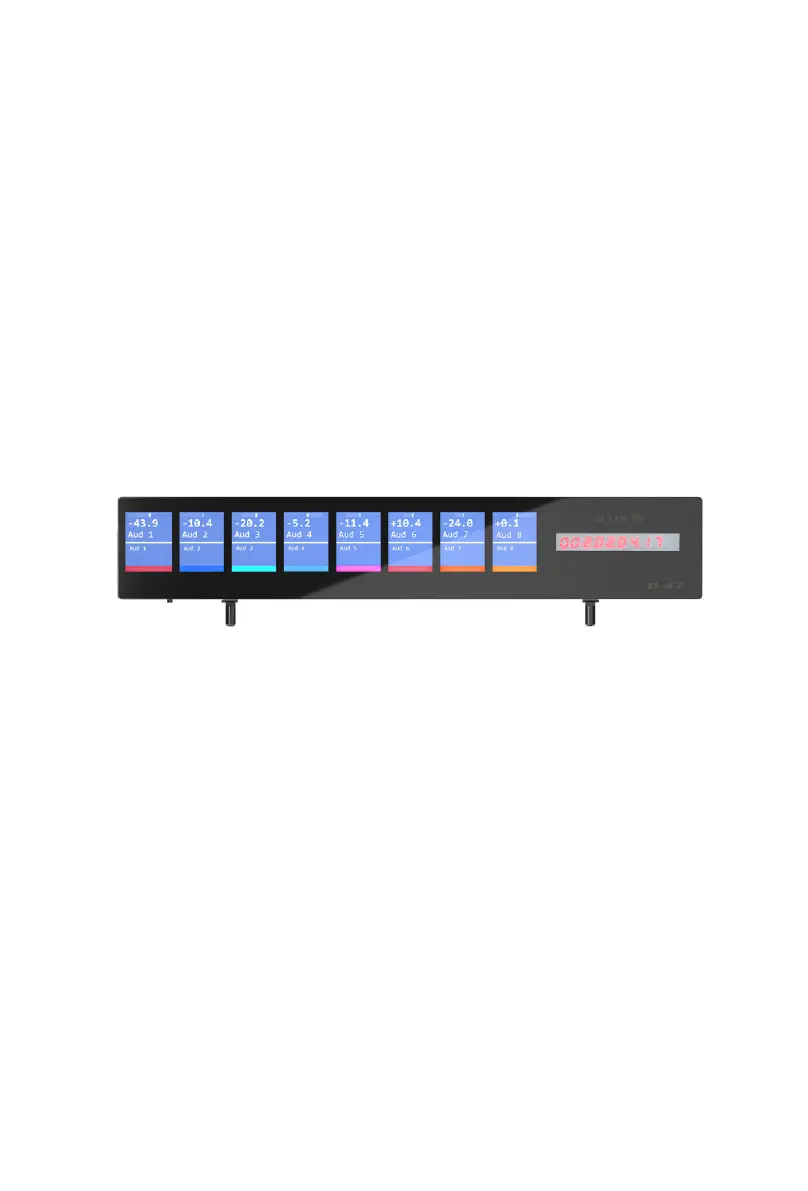
14. D4T sockets
These sockets are used to house the 'legs' of the D4T display unit. A D4T display
unit will signicantly enhance the experience of the user. Without a D4T unit, if
the user wishes to aect a change in, say a plug in, they may observe parameter
changes etc. in the DAW itself or on the smaller, on-board display, (information
displayed is DAW-dependent).


 To Next Page