30
The results will appear in the iMAP and be transmitted to the P1-M instantaneously!
Sending your own MIDI messages
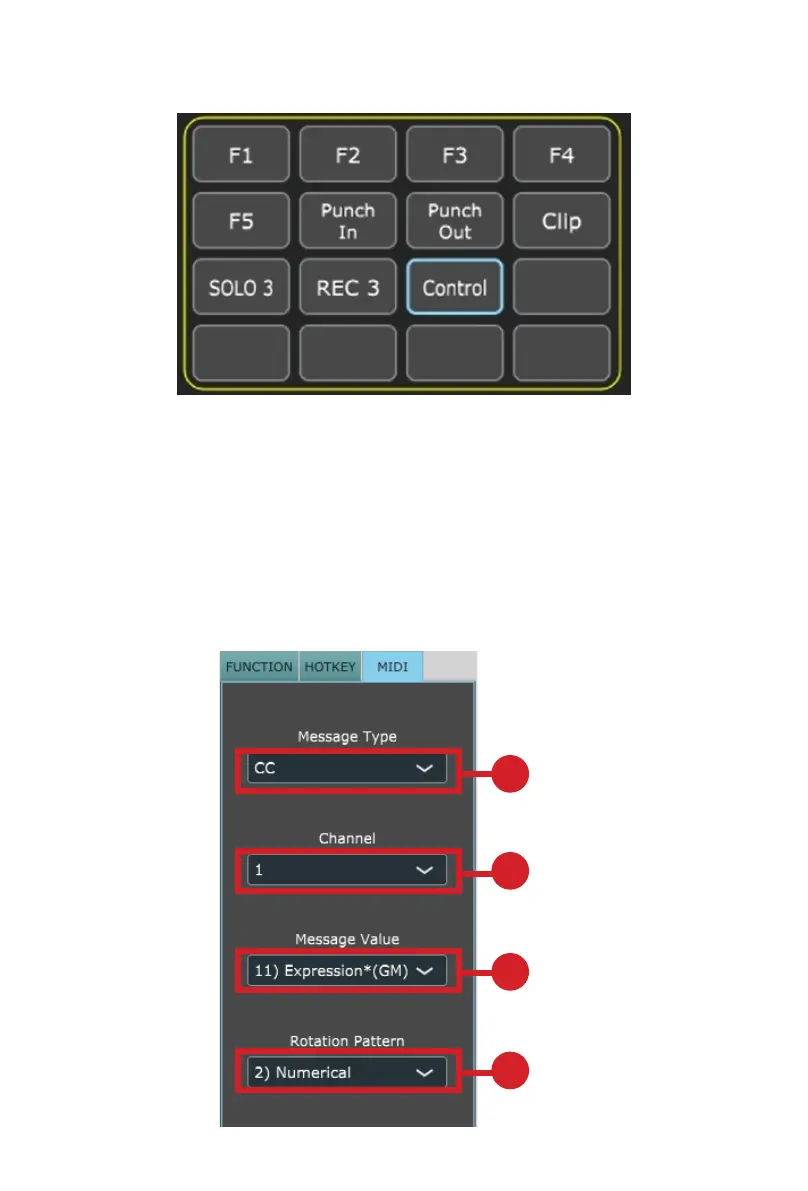
You may set up the touchscreen to display your own MIDI messages. The fader/
s and rotary encoder knobs on the device can also be mapped in this way, (buttons
such as ‘solo’, and ‘mute’ cannot – there are more than enough buttons on the
touchscreen for anyone’s MIDI mapping needs!)..
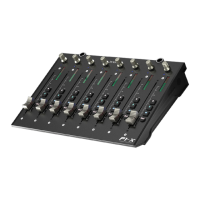
You may adjust "Pitch”, “Note”, “CC”, “Channel” and “Message” values for MCP and
“Value 1”, “Value 2” and “Function” for HUI, depending on the control element.
1
2
3
4


 To Next Page