6
Chapter 2
Basic Setup
This Chapter provides details of installing and configuring the iCamera2.
System Requirements
• To use the wired LAN interface, a standard 10/100BaseT hub or switch and network cable
is required.
• To use the Wireless interface on the wireless model, other Wireless devices must be
compliant with the IEEE802.11b, IEEE802.11g or IEEE 802.11n specifications. All
Wireless stations must use compatible settings.
The default Wireless settings are:
Mode: Infrastructure
SSID: ANY
Wireless Security: Disabled
Domain: USA
Channel No.: Auto
Installation - iCamera2
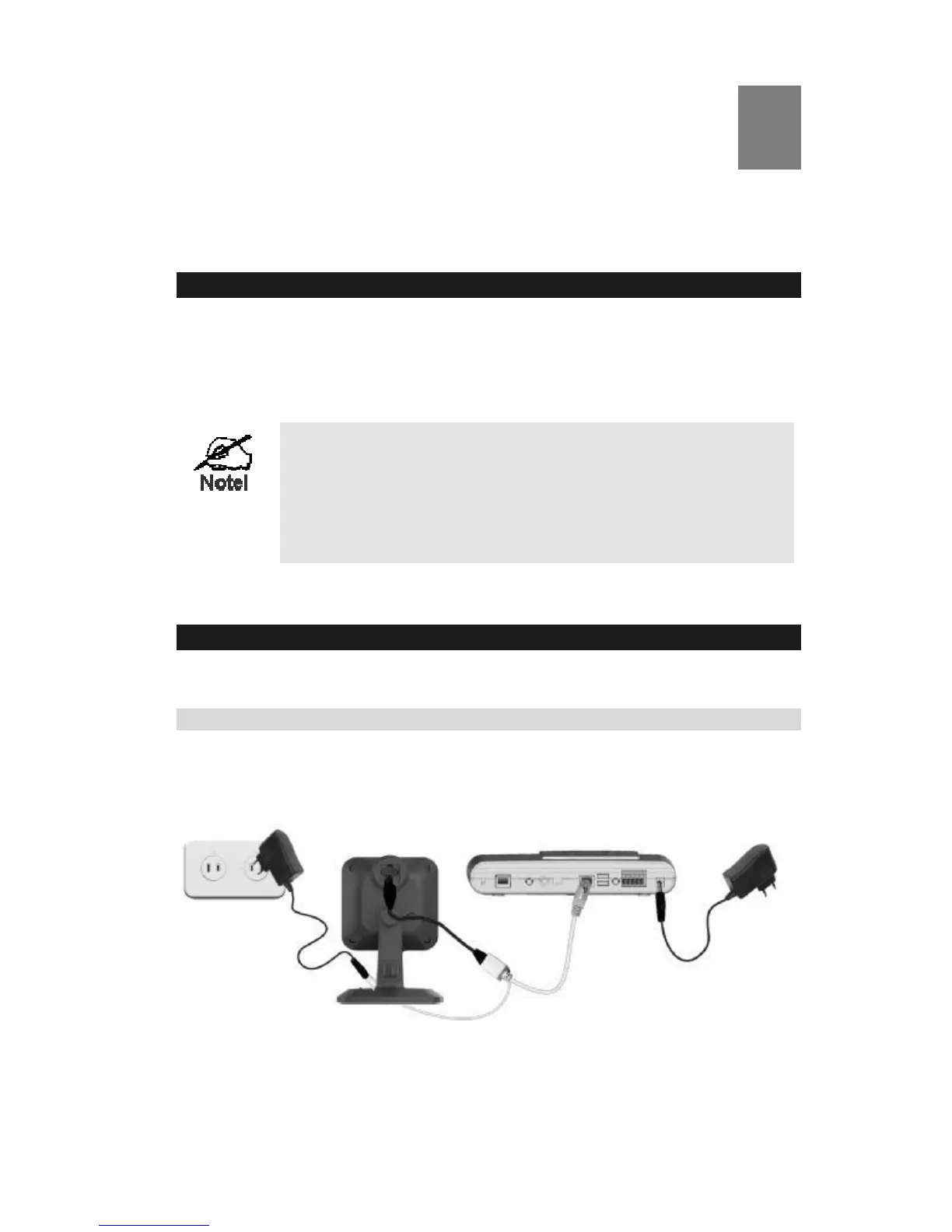
Step 1 - Initial Setup
Initial setup is required when the iCamera2 is used for the FIRST time. It only needs to be done
ONCE in order to configure the wireless settings for the iCamera2.
Note: Skip this section if the iCamera2 has been set up already.
Figure 3: Initial Setup


 To Next Page