18
V SERIES USER’S MANUAL
Chapter Six General Settings and Operation
6.1 Work Status Descriptions
6.1.1 Original Point Setting
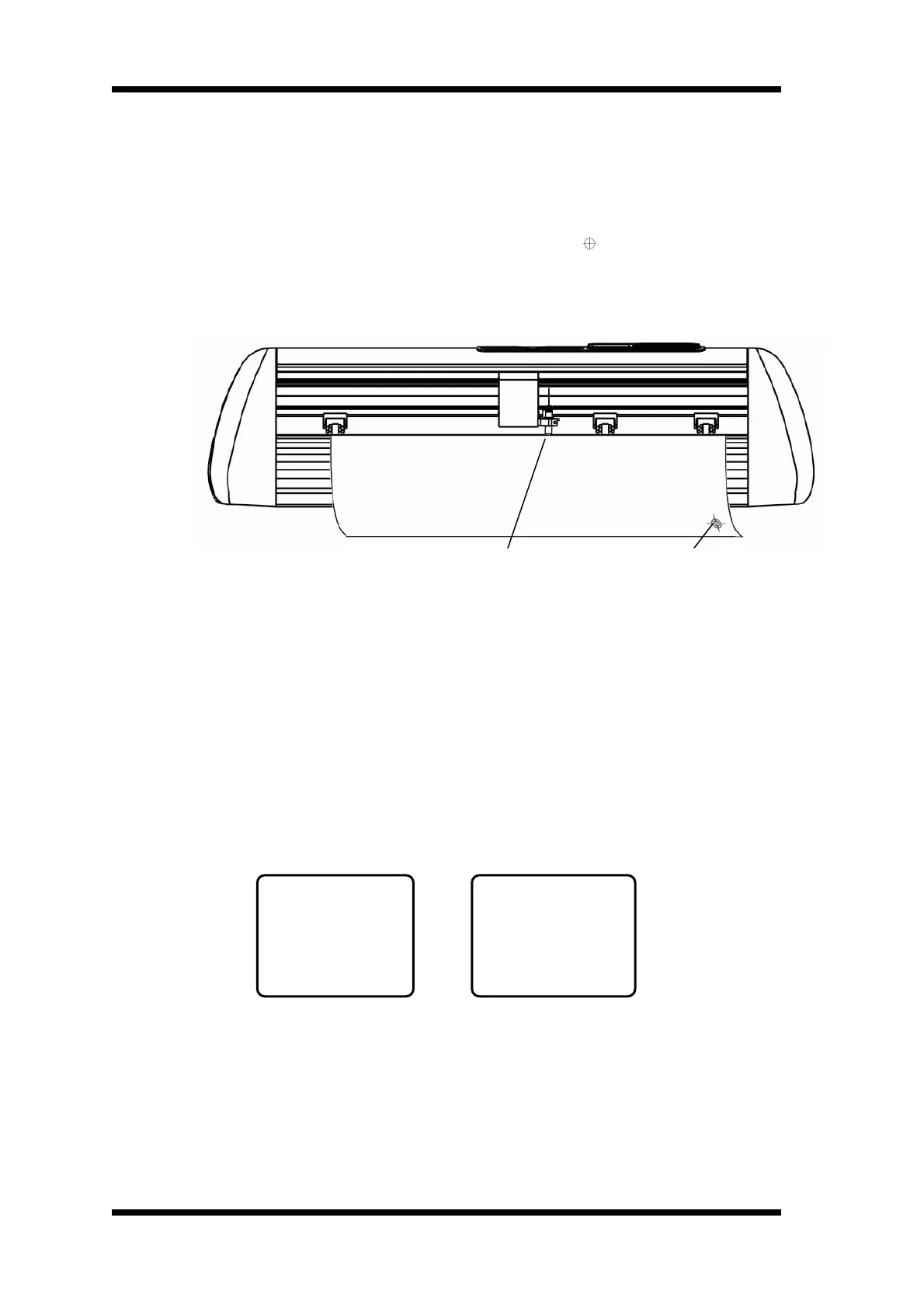
When the carriage needs to move to the original point, press “
”, X and Y value will
set to “0”. Then the new original point is set. The cutter will begin working at the new
original point.
※ The relation between absolute original point and relative original point ※
6.1.2 Bounded system
1. When the movement of carriage controlled by manual, the carriage will move to the
left side (right side) of the cutter; if it exceeds the work area, the limit switch takes
effect automatically to prevent the carriage strike to the cutter side. Please switch off
the power, and restart the machine.
2. When the cutter is working, if the work area set in the software is too large and cause
the carriage move to the left and exceed the work area, the bounded system will
activate automatically. The cutter will stop working , Here, please switch off the
power , then move the carriage to the left side or right side about 3cm, finally ,restart
the machine.
when the bounded system works, there will be some hints in the LCD screen as follows
left bounded position , right bounded position
Left bounded right bounded
when the position of carriage was bounded, if you did not move the carriage in the
position without foundation, when you turn on the machine , there will be the following
screen, with the alarm of buzzer.
ERROR
RT: OVER
LT: -OK-
ERROR
RT: -OK-
LT: OVER
Random Original Point
Absolute Original


 To Next Page