V SERIES USER’S MANUAL
23
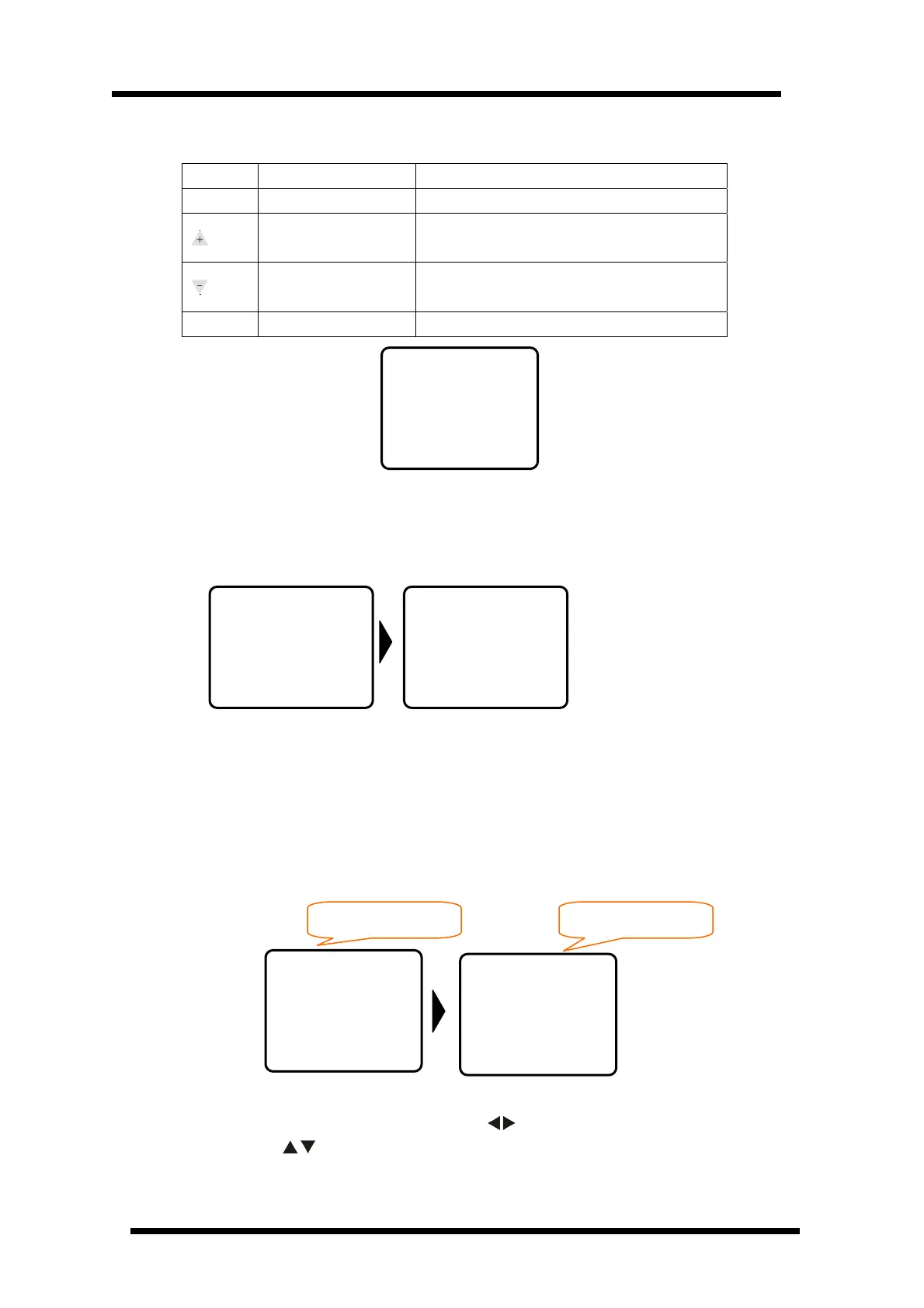
※ under Load Def menu , keyboard function definition ※
Button Function Definition
Menu
Menu Switch
Press once, entering into Load Def mode
Choose to resume
default parameter
When display YES,press Pause button,machine
will resume default parameter
Choose to resume
default parameter
When display YES,press Pause button,machine
will resume default parameter
Online
Online/offline Press once, entering into online mode
Load Def menu default interface
6.4 Menu Operation Description
6.4.1 Power on Display
Ver 141I: The cutter program version is 141I
The default value: Speed V=500, Knife Force f=30, using USB output
6.4.2 Online/Offline Operation
When the cutter switch on the first time or initialize, the cutter will be in Online status.
Press“Online” can swith it into Online/Offline status. When cutter transmits data to computer,
the cutter must be Online. While it needs to set cutter’s parameters and manual operation, it
must be Offline. The LCD shows as followings:
6.4.3 Move Blade
On the Offline status, press a couple of direction key “
”, the carriage will move to left/right
direction, press “ ”, the transmission shaft will turn forwards/backwards, and the “X、
Load Def
---NO---
Online status Offline status
ICUTTER
-USB-
V=500 mm
f= 030
Offline
X=+00000
Y=+00000
ICUTTER
Welcome
Ver141I
ICUTTER
-USB-
v=500 mm
f=030


 To Next Page