22
V SERIES USER’S MANUAL
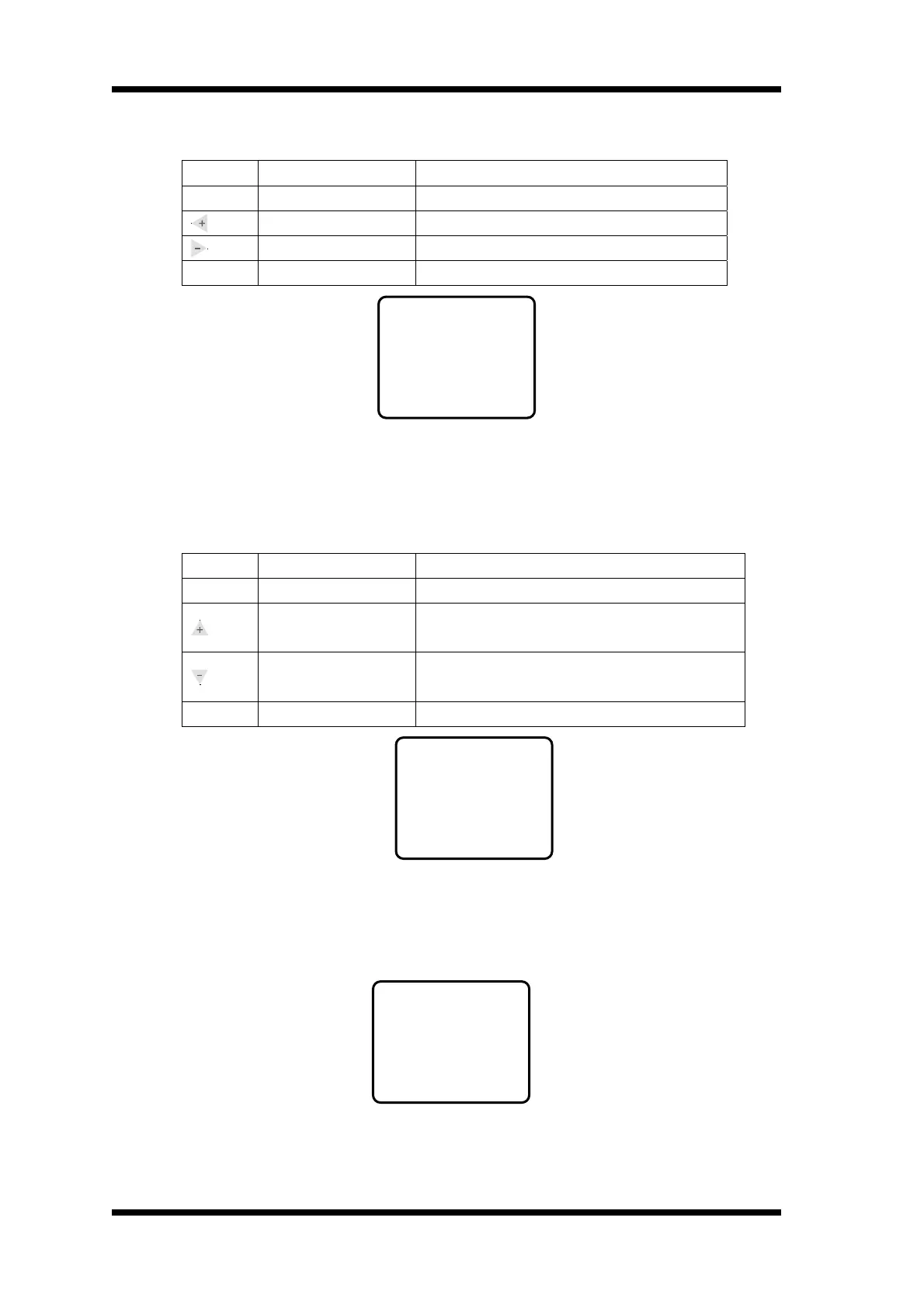
※ Null Spd menu keyboard function definition ※
Button Function Definition
Menu
Menu switch
Press once, entering into MediaCHK mode
Increase idle speed Press once the Idle Speed will increase by 50mm/s
Decrease idle speed Press once the Idle Speed will decrease by 50mm/s
Online
Online/offline
Press once, entering into Online mode
Null Spd menu default interface
Attention: Us refers to idle speed (default parameter Uv=950mm), it can increase the carriage
moving speed while it will not cutting. Press once the idle speed will
increase/decrease by 50mm/s.
※ Under MediaCHK menu, keyboard function definition ※
Button Function Definition
Menu
Menu switch
Press once, entering into Load Def mode
Select or cancel media
checking function
When display YES, the machine has cutting materials
for cutting, when display NO, cancel this function
Select or cancel media
checking function
When display YES, the machine has cutting materials
for cutting, when display NO, cancel this function
Online
Online/offline
Press once, entering into Online mode
MediaCHK menu default interface
When you choose the function of media checking(YES),if the machine works without any
media materials, there will be following picture: when you choose this function , the machine
can avoid to work under the situtiion of without media materials, incurring the damage of
TEFLON cushion and blades.
MediaCHK
---YES--
Null Spd
Uv=950mm
ERROR
PR:NONE
RT:-OK-
LT:-OK-



 To Next Page