V SERIES USER’S MANUAL
25
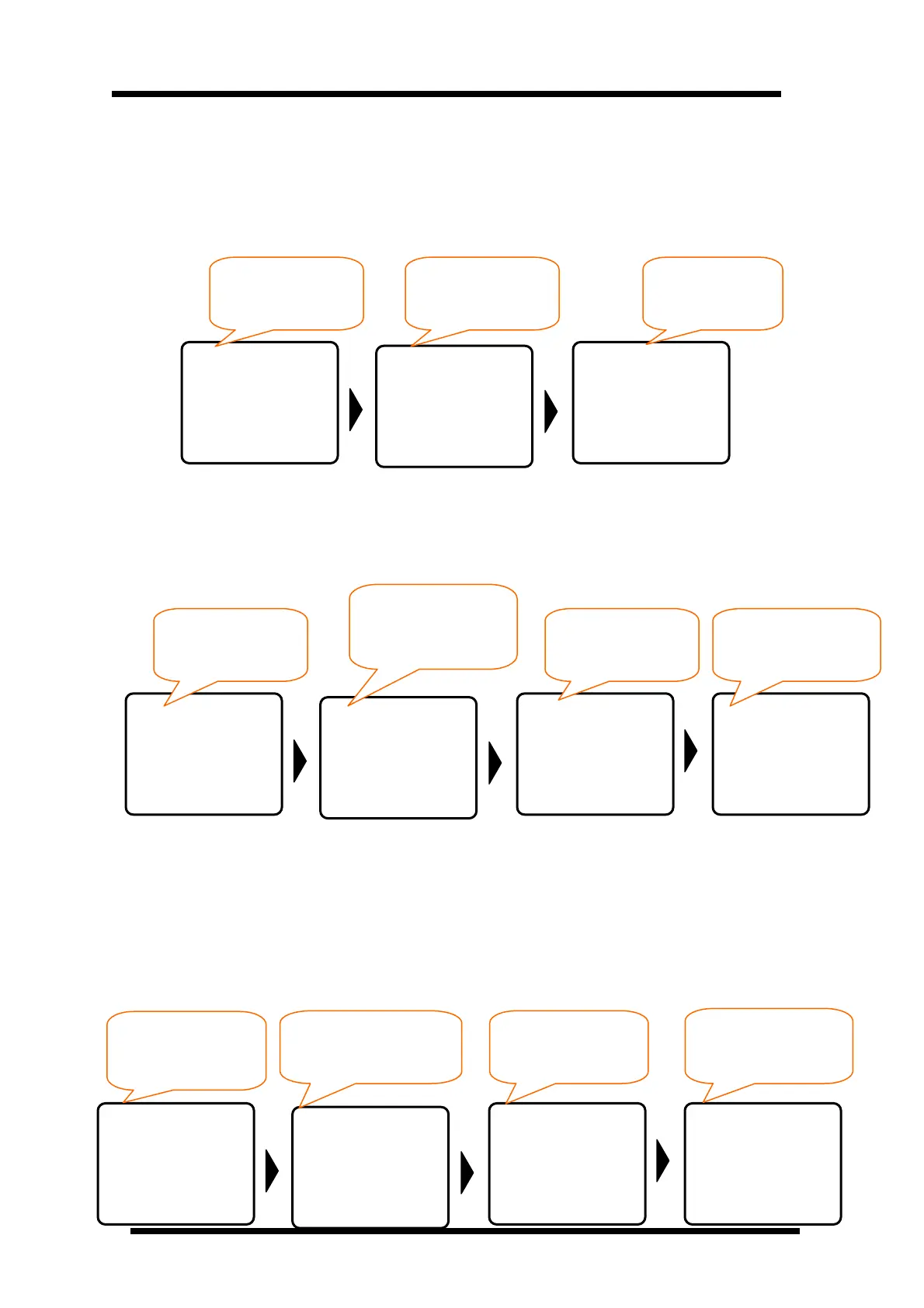
Press Test on the Offline status, machine Test-cut by themselves. Test-cut include a small
one(Test-cut 0) and a big one(Test-cut 1), customers can choose the Test-cut size and repeat
times in SET TEST depend on they requires. When the cutter is working, the LCD will display
Cutting. After finishes working, the cutter will turn back to online status, i.e.: display Icutter,
show as followings:
6.4.7 Pause Button Operation
When the cutter is working, if want to pause working, press Pause button to pause cutter, if
want to continue working, press Pause again
6.4.8 Online-change Speed and Knife Force Operation
When the cutter is working, if you are dissatisfied for the knife force or speed, you can adjust it
without pause the machine, please reference
6.2 under Online mode, Keyboard Function
Definition “First Level Menu Keyboard Definition”.
Hints: The adjusted speed and knife force will be realized when the carriage finish cutting one
point to another. You can press Pause and then change the speed and knife force while it
doesn’t need to close the work.
Offline
X=+00000
Y=+00000
Cutting
v=500mm
f=030
ICUTTER
-USB-
v=500mm
f=030
Cutting
v=500mm
f=030
Pause
V=500 mm
F=03000
Cutting
V=500 mm
f=030
ICUTTER
-USB-
v=500mm
f=030
Start Test-cut,
display Cutting
On the Offline status,
Press TEST
After Test-cut,
Back Offline status
Cutter is working
Press Pause,
Cutter pause working,
LCD dis
la
Pause
Press Pause again,
continue working
Working over,
back to Offline status.
Cutting
V=500 mm
f=030
Cutting
v=450mm
f=030
Pause
v=450mm
f=031
ICUTTER
-USB-
v=450mm
f=031
Cutter is on the
Working time
Press key to adjust speed
Press key to adjust
knife force
Over working, back
to Offline statuus



 To Next Page