Id300 Short-Pulse Laser Source Operating guide
5
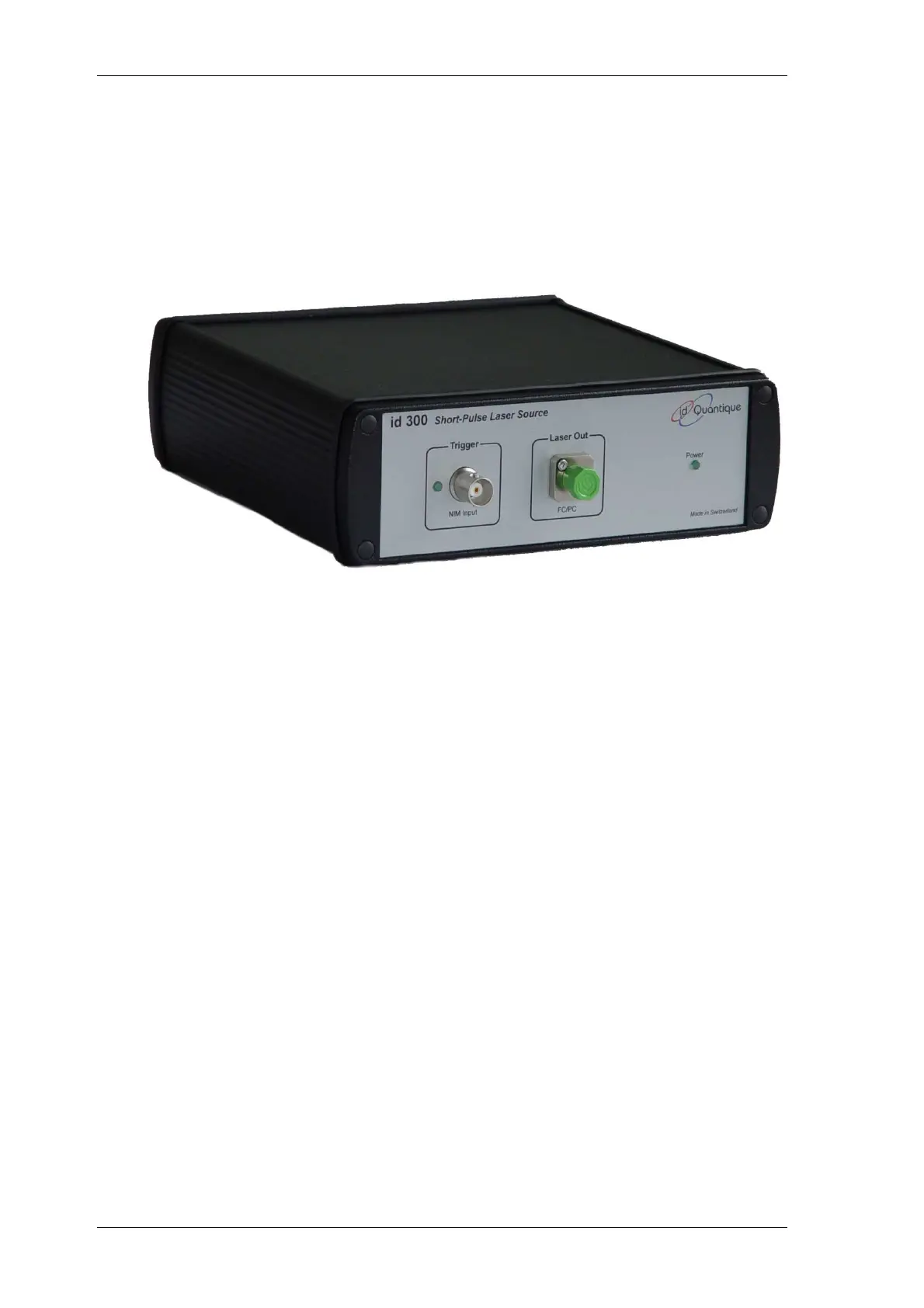
2.3 The front panel at a glance
Figure 2.1 Front panel
Note: Your id300 SPLS may slightly differ from this illustration.
Front panel indicators:
Power Status LED: On Green ok
Laser Out: FC/PC optical connector
Note: The protective cap, provided with the module, should
be mounted on the input port whenever the module is
not being used.
Trigger: Input BNC connector for trigger signal.
A green LED turns on upon valid triggering.


 To Next Page