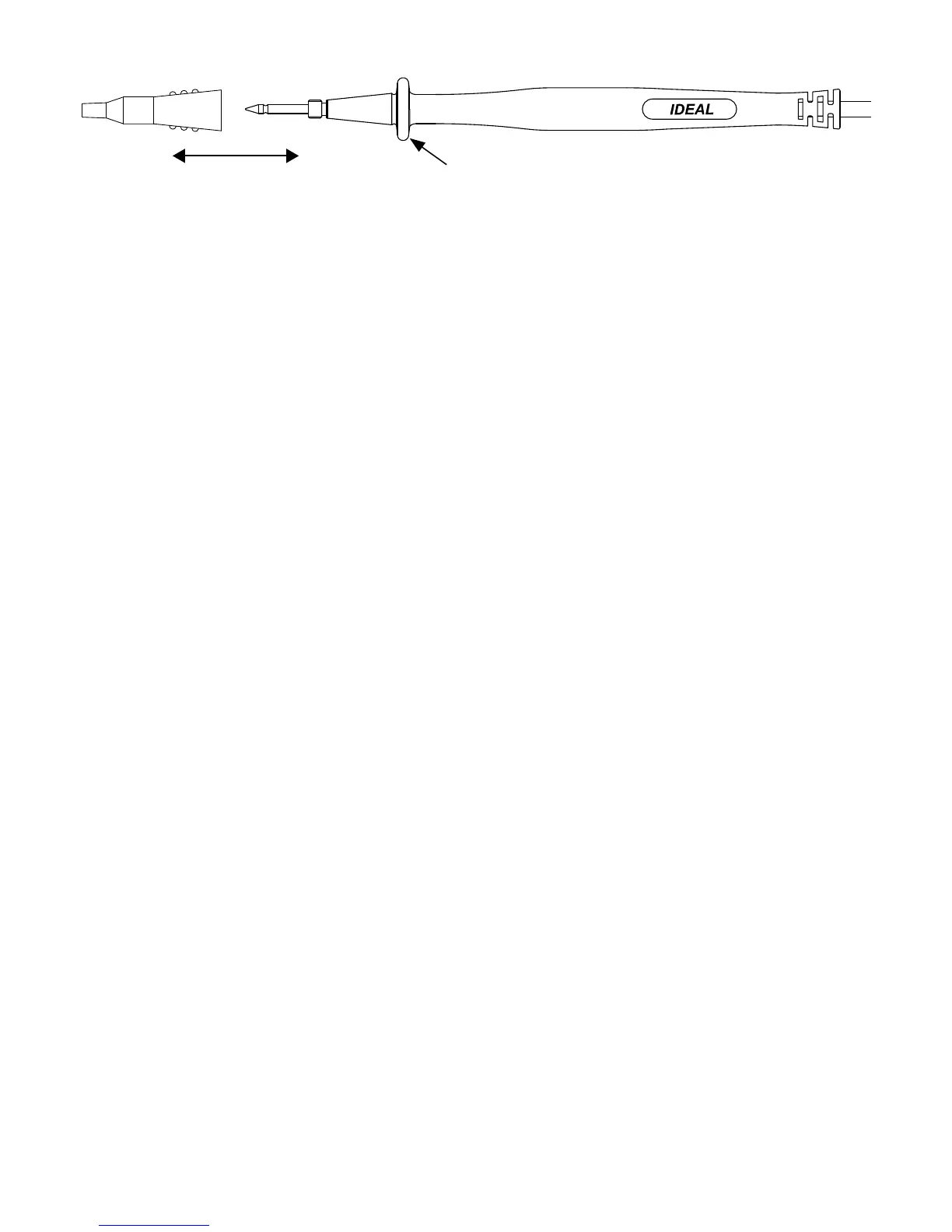
Test Leads
OPERATION:
High Voltage Warning (HI-V)
ThemeterbeepsandlightsanLEDwhenmeasuring>30VAContheVACfunctionand>30VDC
whenontheVDCfunction.
Notes:ThisfeaturedoesnotworkintheOhm,capacitor,continuityorclampmodes.Audibleindica-
tioncanbedisabledbypressingandholdingtheMax/minbuttonwhileturningthefunctionswitch
fromOFFtoanydesiredFunction.WaitforHbtobedisplayedandthenreleasethebutton.To
enable, turn the unit off and back on.
Data Hold Feature
PresstheHoldbuttononthesideofthemetertotoggleinandoutofthedataholdmode.“HOLD”
appears in the upper left of the meter display when data hold is active. Use the data hold feature to
lockameasurementreadingonthedisplay.PresstheHoldbuttonagaintounlockthedisplayand
obtainareal-timereading.
Peak Feature
InPEAKmode,themeterdisplayedthePEAKvalueofACVoltsorCurrentmeasurement.
PEAKfunctionisenabledbyDepressingthePEAKHOLDbuttonfor>2seconds.
ToExitPEAKModeDepressthePEAKHOLDbuttonagainfor>2seconds.
Max/Min Feature
TheMax/Minrecordsthemaximumandminimummeasuredvalue.PresstheMax/Minbuttonto
activatethisfeatureandtotogglebetweenmax,andMinreadings.Theunitwillcontinuallycapture
maxandminvaluesovertime.Depressingthemax/minbuttonfor>2sec.exitsthemode.Note:
Torecordmax/minvaluesoveratimeperiod>30min,theAutoPowerOff(APO)featuremustbe
defeated.
Relative Mode
Press“∆”buttontoentertheRelativemode.The“∆”symbolisdisplayed,andthevalueon
thedisplayissubtractedandstoredasareferencevalue.IntheRelativemode,thevalueshown
on the display is always the difference between the stored reference value and the present
reading.Pressthe“∆”buttonagainfor>2secondstoexittheRelativemode.
Zero Feature (61-765, 61-775 models only)
The“ZERO”buttonisusedtozerooutthedisplaybeforemeasuringDCcurrent.Pressthe
“ZERO”buttontosubtractoutthenon-zeronumber.Then,measuretheDCamps.Pressingthe
“ZERO”buttonagaincausesthe“ZERO”toflashandtheoriginaloffsetnumbertobedisplayed.
Depressthe“ZERO”buttonfor>2sec.toexitthismode.
5
Guard ring
CAT IV 600V
CAT III 1000V
CAT II 1000V


 To Next Page
 Loading...