@2020 iDFTECH
15
Compass Calibration
When calibrating, please make sure that the surrounding area is relatively empty, away from strong magnetic
environments like high-voltage lines, parking lots with underground concrete steel bars and building areas.
Do not carry magnetic items with you when calibrating, such as keys, mobile phones, etc
Be sure to calibrate the compass when you fly for the rst time or if you are changing to a new flight area.
If there is a circling or hovering instability whilst in GPS hover mode, please stop immediately and refer to the above
requirements for the environment to recalibrate the compass.
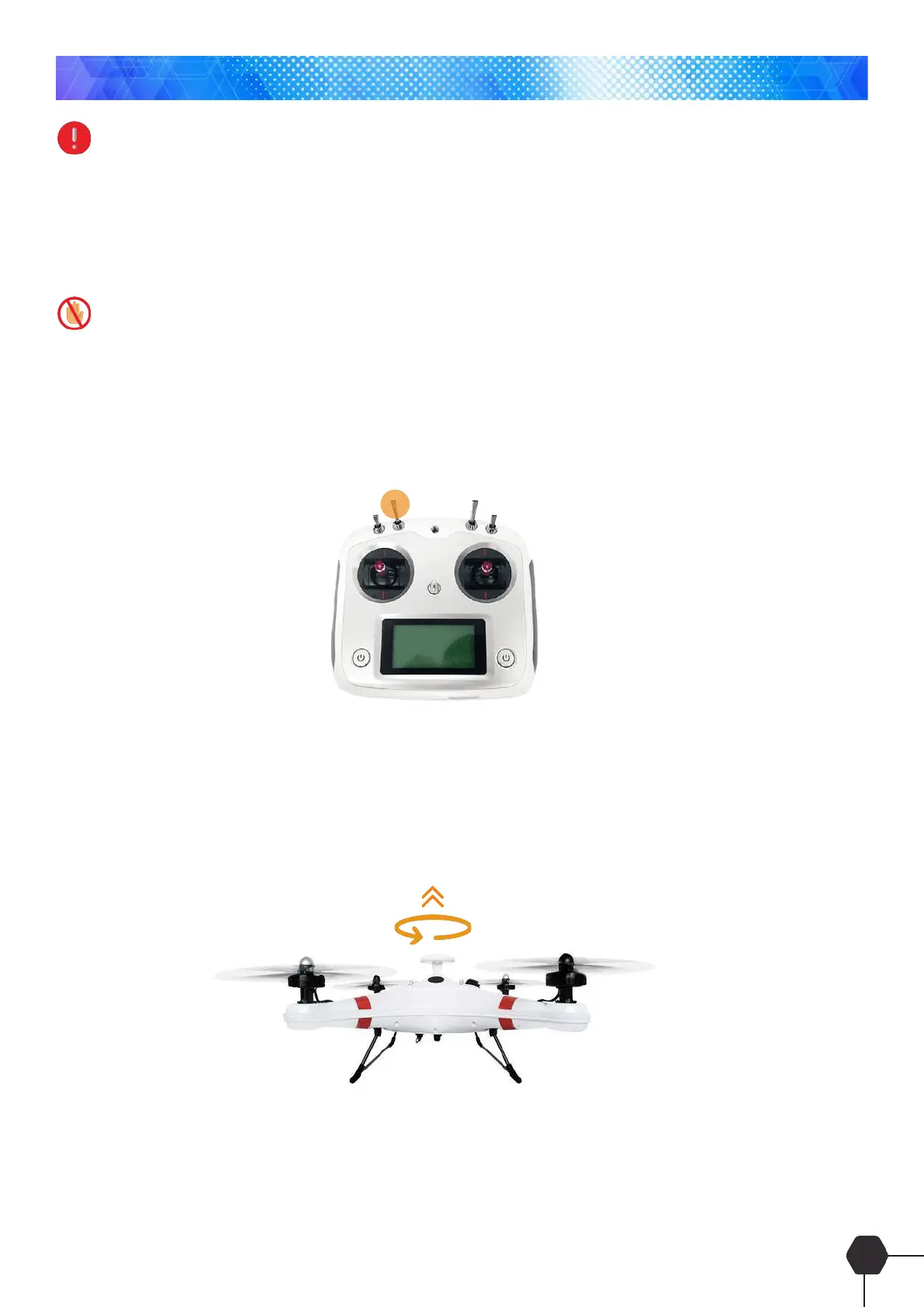
1. Turn the remote controller on
2. Quickly switch back and forth between the GPS mode and return mode of SWB switch for about 5-9 times
until the LED indicator on the aircraft remains yellow.
3. Horizontal calibration
Hold the quadcopter Horizontally and rotate 360° anti-clockwise until the LED indicator displays a solid
green light.
Horizontal Calibration



 To Next Page