c) To confirm that the PC can now communicate with the modem, open a
command prompt (Start > run/search > type “cmd” and hit enter)
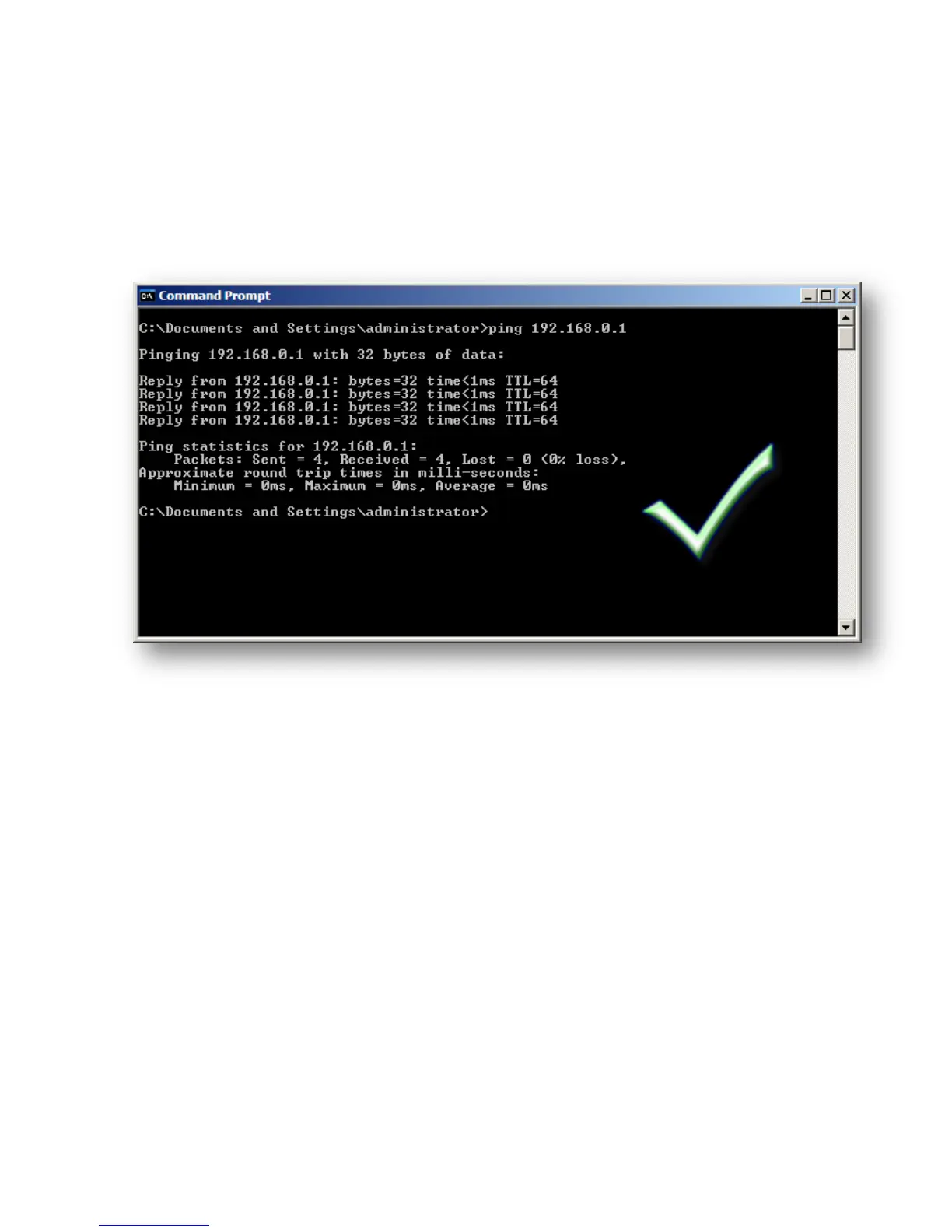
Type “ping 192.168.0.1”
If everything is set up correctly, results should be as below:
If results are “Request timed out” or “Destination host unreachable” or
“Hardware Error”, cables and settings need to be rechecked



 To Next Page