Part 3 - Conguration
18
• HDD Status
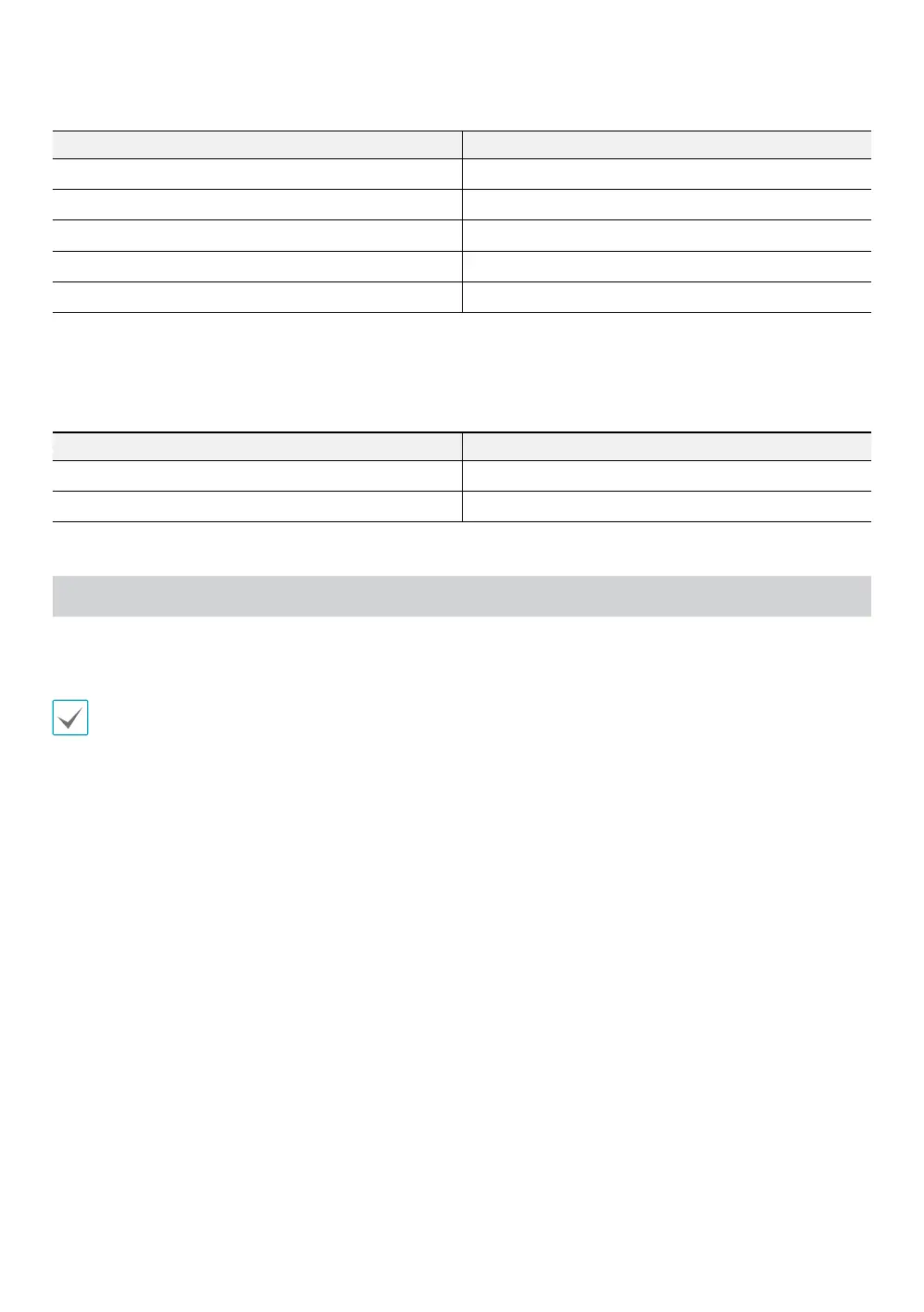
LED HDD Status
Constant red* SATA HDD is mounted.
Blinking red Data is being transferred.
Blinking green RAID rebuilding is in progress.
Blinking red and green sequentially HDD error has occurred.
O No SATA HDD is mounted.
* When the RAID mode is set as SATA Port Multiplier, only the D1 LED is lit in red.
4. LOCK
Option Switch Buttons on Front Panel
ON (Up) Locked
OFF (Down) Unlocked
SATA Port Multiplier
SATA Port Multiplier does not use RAID and uses each hard drive independently. Each hard is recognized separately
and data is transferred to each drive independently.
SATA Port Multiplier mode does not work if the eSATA port of the NVR is connected with the SATA Port Multiplier of the NVR.



 To Next Page