Part 3 - Conguration
19
Conguring RAID
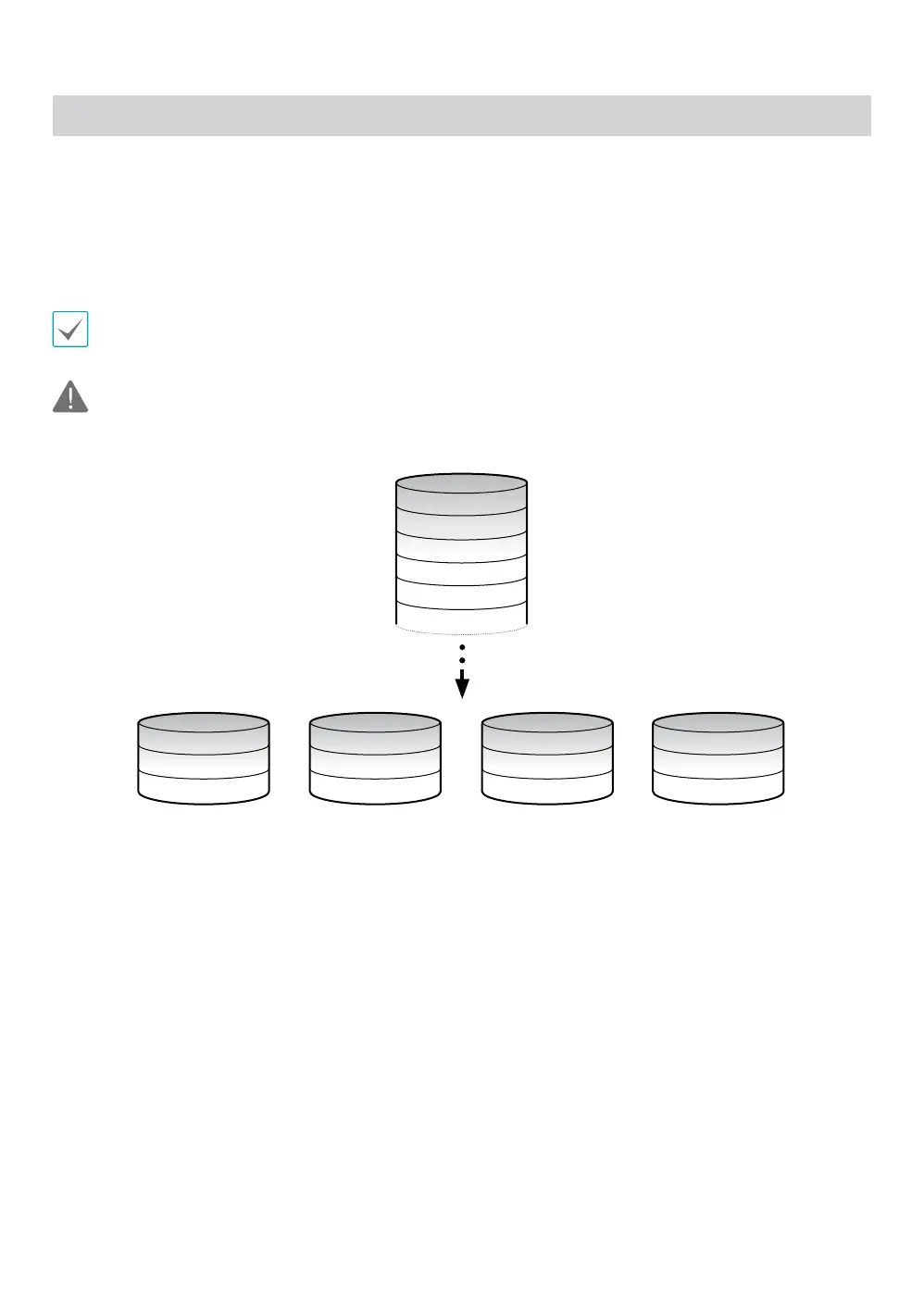
RAID 0
The system saves data across all four connected hard drives. It enhances transfer speed, but the entire data is lost if
any one hard drive fails.
If any one of the hard drives is not installed properly, the following error message is displayed.
RAID 0 is not recommended for saving crucial data. When using RAID 0, be sure to back up crucial data.
1
2
3
4
5
6
1
5
9
3
7
11
4
8
12
2
6
10
Data
HDD 1 HDD 2 HDD 3 HDD 4



 To Next Page