1
1
Seng up Your IDrive One Device as a
Wireless Base
To ulize IDrive One as a Wi-Fi extender, the device must be set up in
a pass-through mode, so that you can connect to the IDrive One
device as well as the internet.
There are two different ways to set up internet access from
IDrive One.
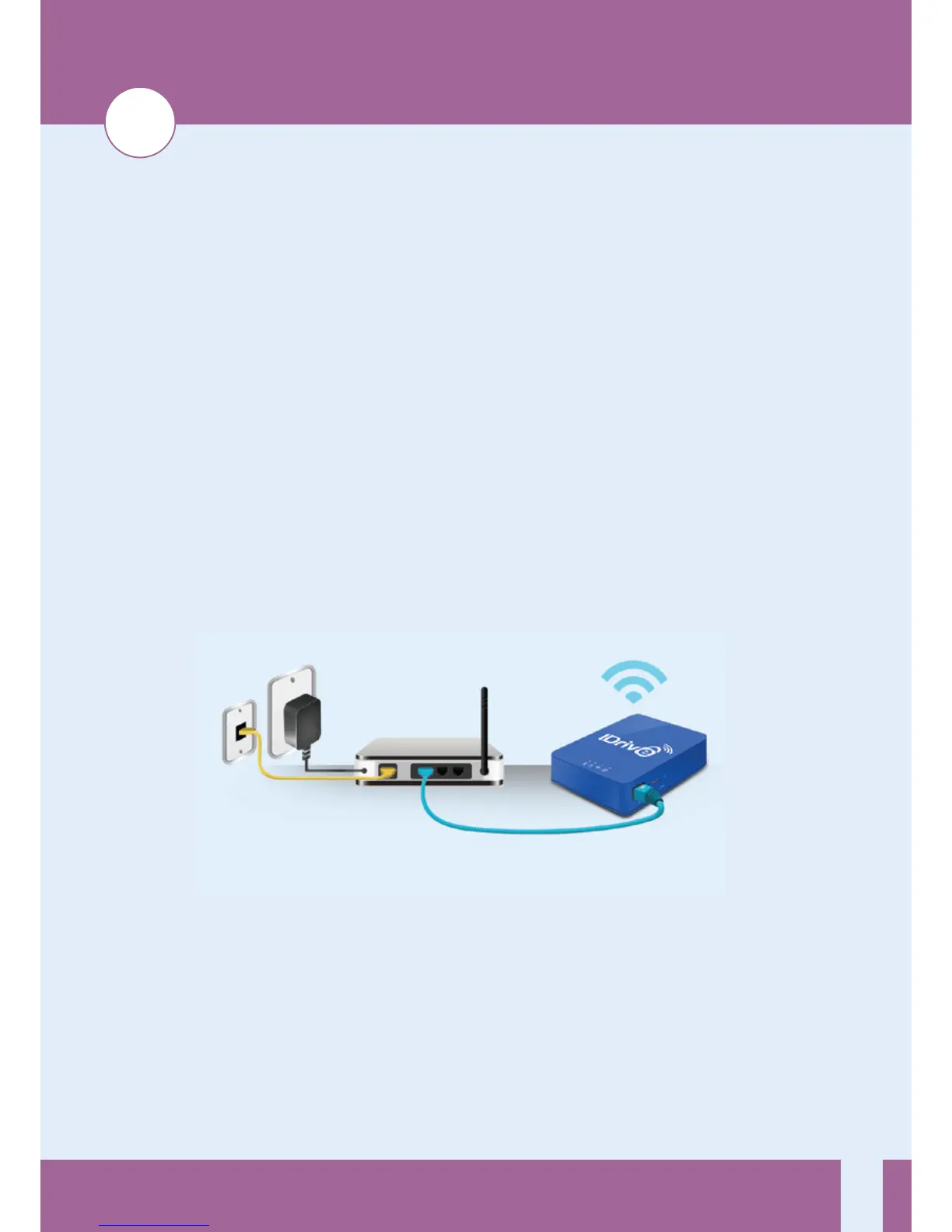
Method 1: Using a LAN-based internet connecon
1 Connect the IDrive One device to a router using a LAN cable.
2. Press and release the power buon, and the light above the
Wi-Fi symbol will glow aer a few seconds.


 To Next Page