8
Using IDrive One with a USB connecon
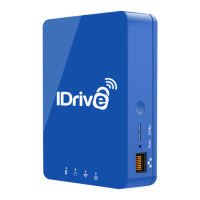
1. Make sure your IDrive One device is powered off.
2. Connect your IDrive One to a computer with a USB cable.
3. Press and hold the power buon to turn on IDrive One.
4. Your IDrive One device will appear as a drive/volume on
your computer.
Note: IDrive One’s Wi-Fi mode cannot be used when the device is
connected via USB.


 To Next Page