5
Using the IDrive Applicaon for Local Backup
On Desktop
To perform local wireless backups from the IDrive One device, you’ll
need to connect to the internet.
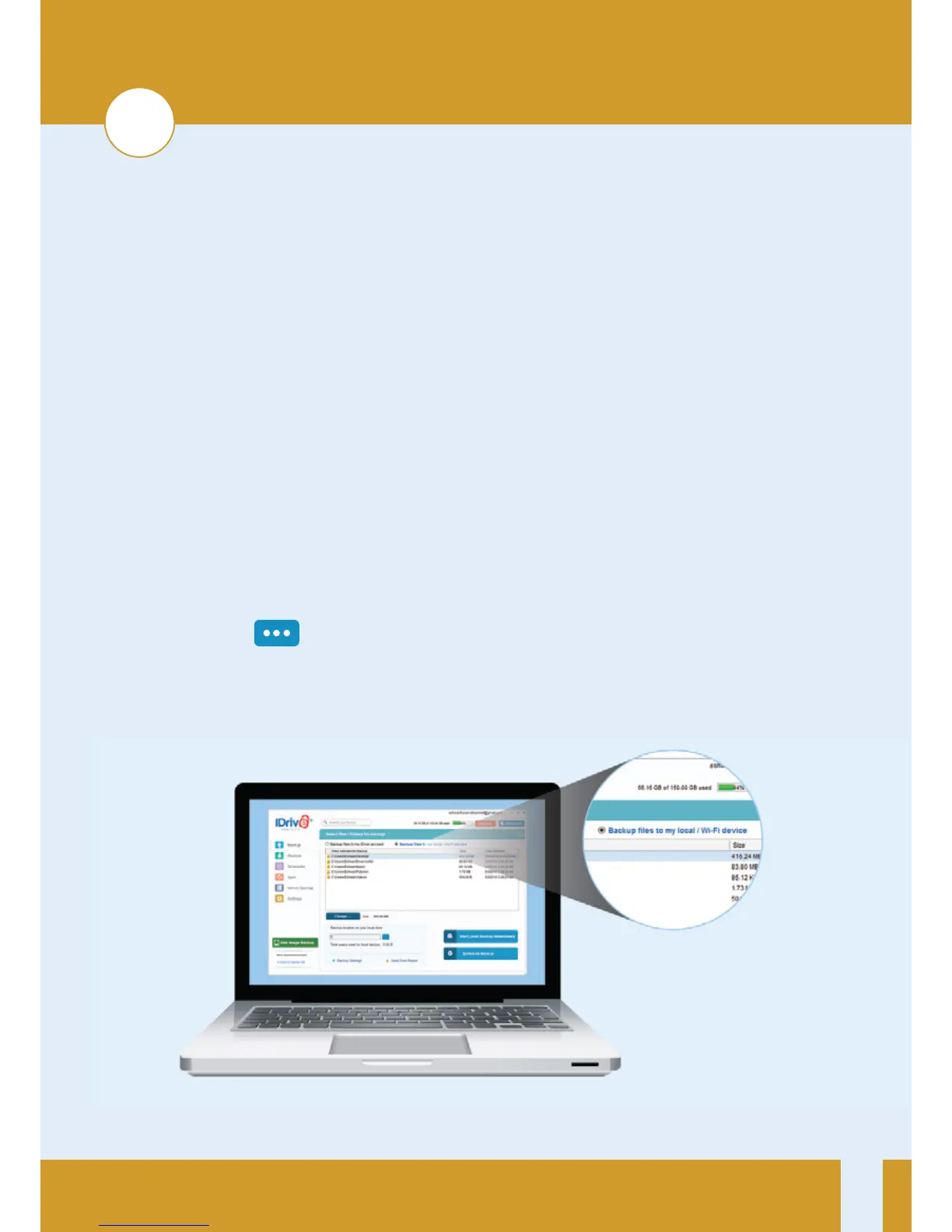
1. Connect to your IDrive One network, launch the IDrive
applicaon and log in.
2. Select the Backup files to my local/Wi-Fi device buon.
3. Click the icon in the Backup locaon on your local drive
secon, then select the IDrive One Wi-Fi network and click OK.
3


 To Next Page