3
On Mobile
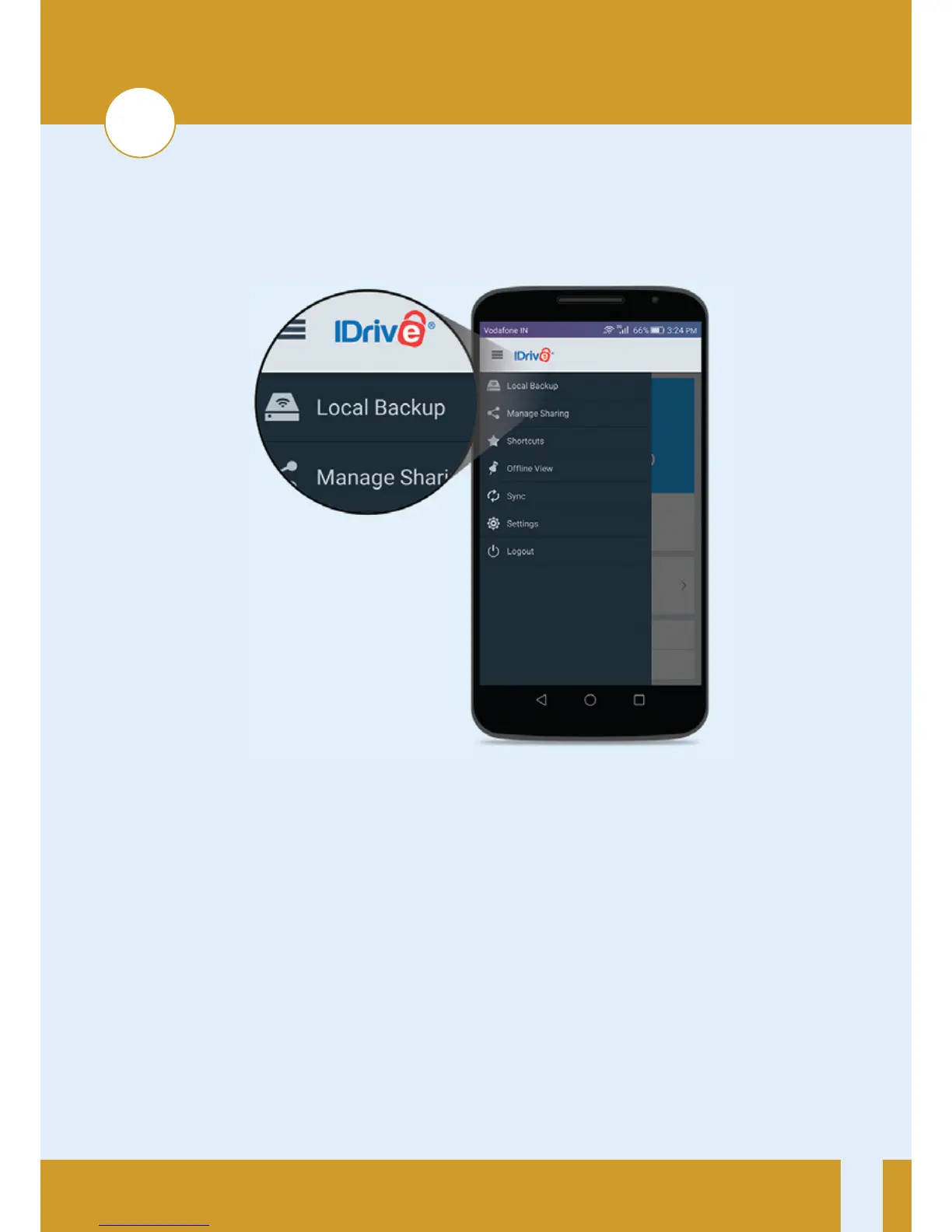
1. Connect to IDrive One network, launch the IDrive app and log in.
2. Tap Menu icon on the top le corner of the screen, then tap the
Backup buon under Local Backup.
3. Tap the type of files you’d like to backup.
4. Click Backup Now to start your backup.
7


 To Next Page