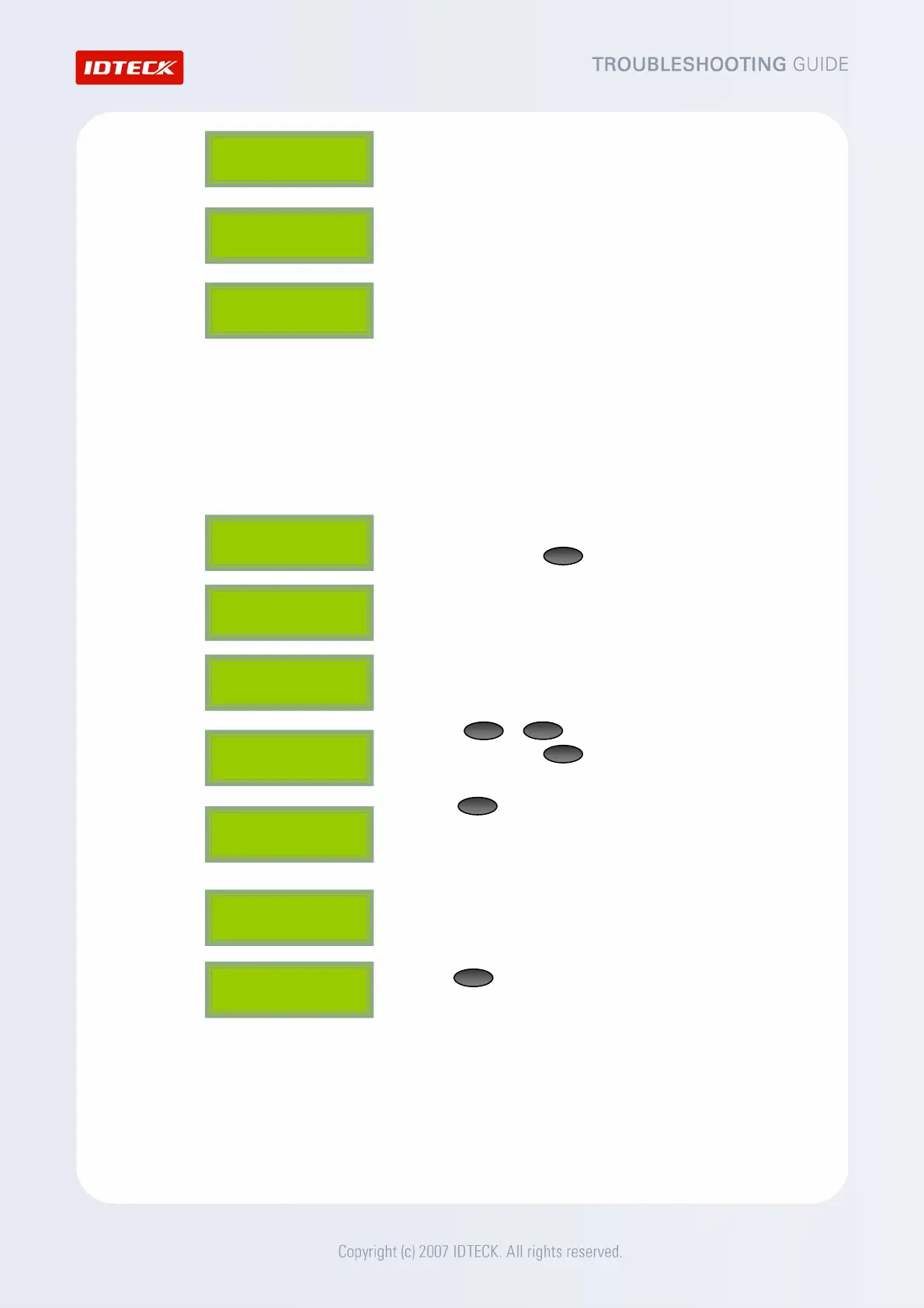
4. The LCD displays the ‘System Initializing..’ message.
5. The LCD displays the ‘FP Module Initializing..’ message.
6. If the LCD displays the ‘System is Clear / Remove Wires!!’
message, it means a successful completion of initialization.
Then, turn off the power and separate the wires that were
connected together in Step1 and turn on the power again.
CAUTION: Initialization will delete all internal data of the
device such as IDs and settings.
▶ Initialization at the SETUP menu.
1. From the initial screen, enter the 8-digit (sometimes 10-digit)
Master ID and press . (Default =“00000000”)
2. After the “Master Password” screen appears, enter the
password. (The default password=“3141”)
3. The ‘Mode Selection (or READER 1 MODE)’ screen appears.
4. Press or until the LCD displays “SYS INITIALIZE”.
When it does, press .
5. Press , and the ‘System Initializing..’ message will appear.
The system is being initialized.
NOTE: All stored data will be lost after initialization.
6. After the initialization is completed, the LCD displays the ‘SYS
INITIALIZE’ message.
7. Use to quit the SETUP menu.
CAUTION: Initialization will delete all internal data of the device
such as IDs and settings.
FINGER_007 [F1]
MM/DD hh:mm:ss
ENT
4
6
Master Password
[____]
Mode Selection
RF + FINGER(P/W)
SYS INITIALIZE
1 – Yes, 0 - No
System
Initializing..
ENT
1
System
Initializing..
FP Module
Initializing..
System is Clear
Remove Wires!!
ESC
FINGER_007 [F1]
MM/DD hh:mm:ss
SYS INITIALIZE



 To Next Page