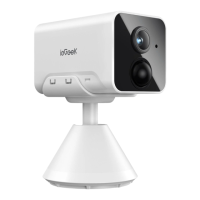
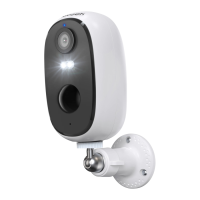
01 / Camera Introduction
(J
joveeg
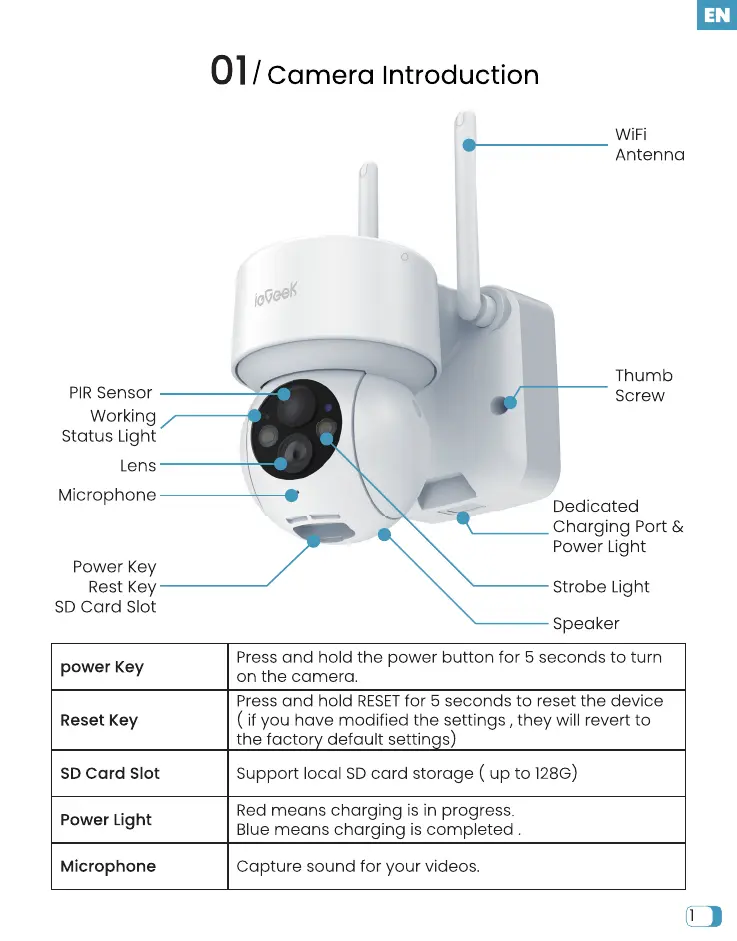
PIR Sensor
Working
Status Light
Lens
Microphone
Power Key
Rest Key
SD card Slot
power Key
Reset Key
SD card Slot
Power Light
Microphone
WiFi
Antenna
Thumb
Screw
Dedicated
Charging Port &
Power Light
Strobe Light
Speaker
Press and hold the power button for 5 seconds to turn
on the camera.
Press and hold RESET for 5 seconds to reset the device
( if you have modifiedthe settings, they will revertto
the facto default settin s)
Supportlocal SDcard storage ( up to 128G)
Red means charging is in progress.
Blue means charging is completed .
Capture sound for your videos.


 To Next Page