EN
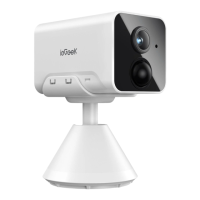
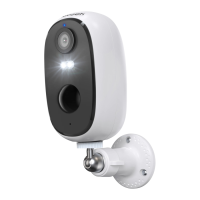
PIR Sensor
Working
Status Light
Speaker
Dedicated
Charging Port
Thumb Screw
Can detect moving objects up to 12 meters away
Red light continuously on : camera network abnormal
Red light flashing slowly : waiting for Wi-fi connection
Red light flashing fast : Wi-fi connection in progress
Blue light continuously on : camera is running normally
Two-way voice call sound output
Use5V/2A type-C power supply to charge the camera
For fixing the camera and the bottom bracket
02/ APPInstallation and
Account Registration
• Download 'ieGeek Cam'APP
Method I: Download 'CloudEdge' or 'ieGeek Cam' APPfrom APPStore
(iOS) or Google Play(Android);
Method 2: Scan 'ieGeek Cam' APP QR code to download it.
Download
The APP
Tips:PIease turn on 2 below permissions while using this APPfor the first time.
1. Allow 'ieGeek Cam' APP to access mobile cellular data and wireless LAN or
it will fail to add IP camera.
2


 To Next Page